
So I returned from Cannes last Sunday and as you would expect with my workflow, one of the first tasks is to Synchronise the Lightroom Mobile images back to my main Lightroom Classic system.
To speed this up, I actually started this process while still in Cannes, leaving the iPad uploading the night before I flew (the apartment’s WiFi was super fast and by the time I left for the flight, all of the images (bar the final night) were uploaded.
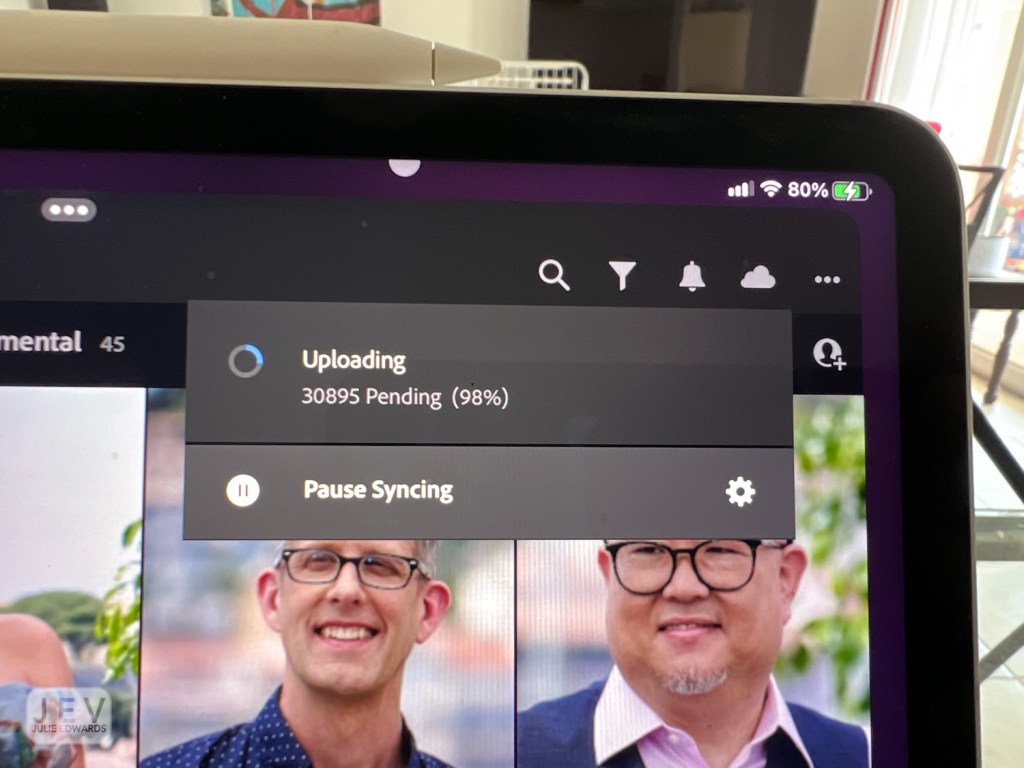
Once home, the first thing I did (yes, even before downing a cup of tea and going out for lunch much to My partner’s annoyance) was to open Lightroom on the desktop system and start the synchronisation (I say desktop, the Mac is actually a Macbook Pro 15” i7 with 16GB Ram and the Radion Pro graphics card).
I add all these details because the real subject of this post is the processor intensiveness (is that a word?) of the Lightroom Classic synchronisation.
A few years back (just before Lockdown) I replaced an old trusty 27” dell monitor with a 27” 4K Benq Photo Pro monitor. I think I have posted about this monitor in the past – it is without doubt the best monitor I have ever used. The colour quality is stunning. (This is the reason I mention the Macbook specs – driving a 4K monitor from this hardware is not supposed to be a problem).
Over the past couple of years I have noticed Lightroom Classic really starting to struggle to synchronise. In fact a year ago I totally rebuilt my Lightroom Catalog from scratch, cutting down on keywords and really simplifying it, thinking this was part of the issue (my catalog could be traced back to my very first; started when I first started with Lightroom).
That couple of weeks of intensive work and worry was to no avail, the synchronisation remained highly processor intensive, often taking 100% CPU and RAM! Why?
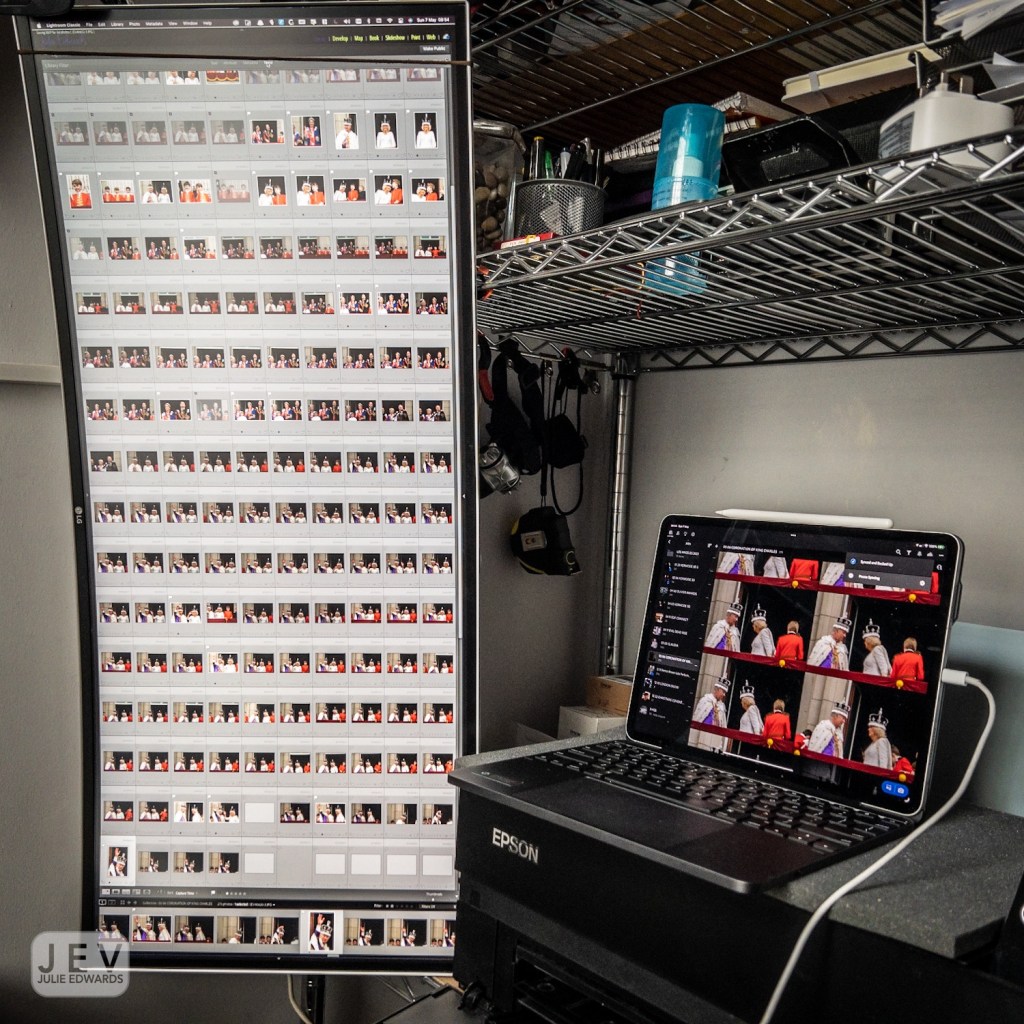
A few months ago I was offered a full widescreen monitor which I added as a 2nd monitor for the purpose of showing the grid when editing but also reading emails etc. The resolution of this screen is 2560×1440 .
As it turned on and off faster than the Benq (being recognised faster – the Benq’s only failing), I started turning only this vertical monitor on when I did not need the main one.
I was absolutely amazed the first time I did this to synchronise the library after a job. The CPU did not skyrocket and nor did the memory use. It’s now 2 months on from this discovery and this has continued to be the case. Whereas in the past I was having to stop and start Lightroom regularly during syncronisations (approx per 1000 images), this week it downloaded all of my Cannes work unattended.

Justine Triet with her Palme D’Or Award for ‘Anatomy of a Fall’ ..
It’s all about the award!
The obvious thought is that the Mac was building bigger previews for the 4K monitor, but no, I had already selected a specific preview image size.
The bottom line is I am super happy with this discovery, but…..
This leaves the question – WTF is Lightroom Classic doing during synchronisation (that is linked to monitor resolution) , why does synchronisation with a 4K monitor push a system so much more than a 2K system? I know it is not the preview size because I have that preset. By the same token it should not be the Smart Preview because they are also a fixed size (and if the software is being efficient, these previews do not need regenerating as they already exist in the cloud database).
Any comment anyone? Can anyone from the Adobe team comment?
Next post – the X-H2S, face tracking on the Cannes Red Carpet (and with all those images shot, I have a fair bit of experience with this camera now) ……
As always, let me know your thoughts in the comments below…
 Julie Edwards-X
Hey Julie, I don’t have a 4k monitor so I can only point you to some threads with similar issues. I’m disclosing I am a partially informed bystander. That said, here is a thread about the 100% cpu usage and a second about 4k monitor usage. It’s possibly related to Lightroom’s pyramid/preview file … and even though we specify a preview size…the file still needs to create a 1:1 preview.
https://community.adobe.com/t5/creative-cloud-services-discussions/core-sync-constantly-at-100-cpu-usage/td-p/9992823
Sean McCormack has some thoughts here: https://community.adobe.com/t5/lightroom-classic-discussions/4k-monitor-setup-sluggish-performance/td-p/12365181
Good luck. Every time I get one thing new…it turns out I have to upgrade everything….sigh
LikeLiked by 1 person