
As the title of the post says, this is my look at the latest version of the PureRAW demosaicing which I use to pre-process all of my Fujifilm RAW files before editing them in Lightroom. (I have mentioned this before, here and here).
Why do I do this? Why do I use an additional tool before going into Lightroom (which can process these files without any pre-processing?)
There are a number of reasons:
- PureRAW uses lens and camera profiles that I think do a better job of cleaning up issues like vignetting, distortion , lens softness and chromatic abberation than Lightroom. (I am not the only one that thinks this) . More here.
- PureRAW handles the demosaicing of Fuji X-Trans RAW files better than Lightroom (most users of fujifilm x-trans cameras will be familiar with the dreaded “worms”).
- By handing Lightroom files that are already demosaiced, it runs much faster:
X-Trans files are notoriously processor intensive to demosaic. This is not something that can be avoided, but by processing “upfront”, the additional strain is not slowing down the adjustment of sliders within Lightroom. - 1st class noise reduction: I want to hand over the best possible quality image files to my clients. By running every RAW file through this tool I can reduce my worry about noise in the image. I can be more liberal with my ISO settings, pushing extreme lighting to the maximum.
Note: I do not shoot everything in RAW. There have been many straight-out-of-camera JPGs posted here. All the Red Carpets and news assignments are also shot in JPG as speed is of the essence.
So. Version 6?
The marketing blurb says “better results” , “faster processing”. Isn’t this what every software upgrade marketing message says?
After a search around the inter-web I could not find any hard and fast figures (I’m sorry you-tubers, I prefer to read, not to run through a 30 minute video to find a table or your thoughts). I like reading. I think the written word is far better for imparting facts and figures. Thats why I (attempt to) write.
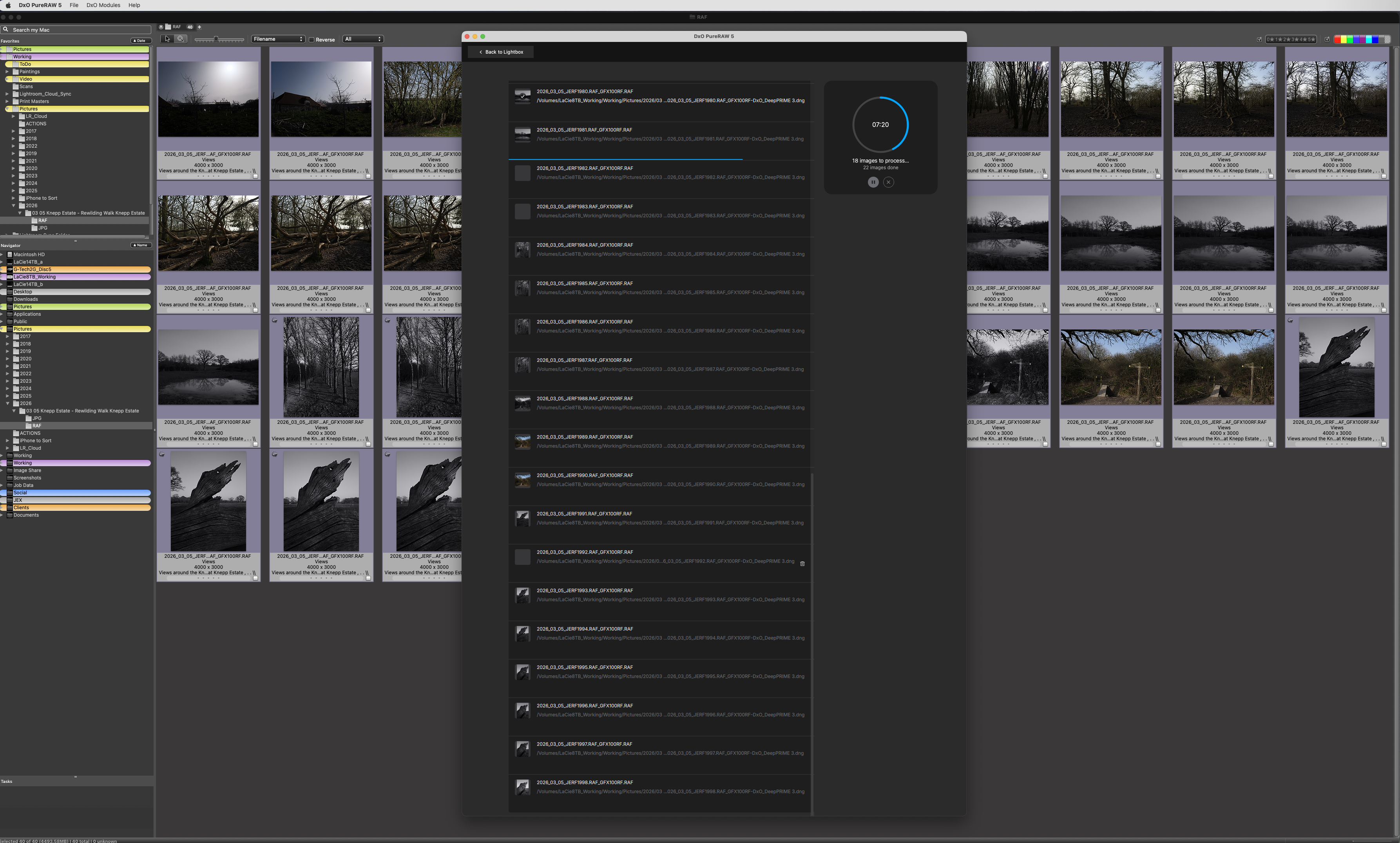
All of these tests were run using 40 GFX100RF raw RAF images, outputting DNG files.
Note: I ran these tests using the main process choices, closing the software and clearing the memory before moving on to the next process, outputing each set of images to a seperate sub-folder.
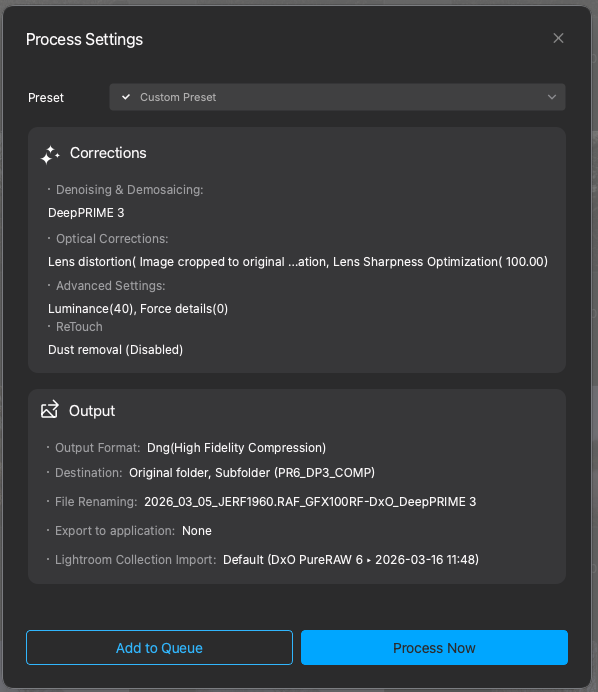
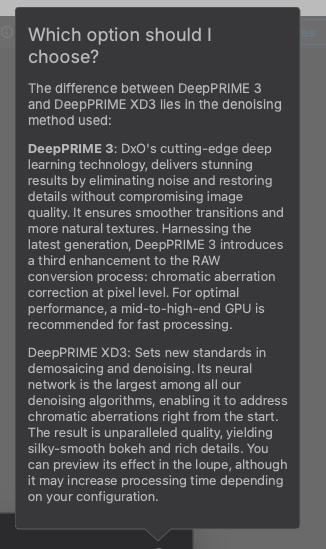
DXO describes the process options..
Lets look at the speed, comparing PureRAW 5 and 6…
| Process | PureRAW 5 (Min:Sec) | PureRAW 6 (Min:Sec) |
| DeepPrime 3 | 11:49 | 5:54 |
| DeepPrime 3 Compressed | – | 6:17 |
| XD2s | 29:36 | – |
| XD3s Compressed | – | 28:10 |
Claim #1, Faster! – Yes true!
Like for like processing of DeepPrime 3 is almost twice as fast. Thats impressive! (First row).
The second row shows the time taken to produce 40 compressed DNG files.
File compression is a new feature in this release. The blurb says:
DxO PureRAW 6 introduces a breakthrough in efficiency with new High-Fidelity Compression, delivering RAW-quality output in DNG files up to four times smaller than standard uncompressed versions.
So how does the file size compare?
| Process | PureRAW 5 (GB) | PureRAW 6 (GB) |
| DeepPrime 3 | 14.33 | 14.67 |
| DeepPrime 3 Compressed | – | 3.33 |
| XD2s | 13.98 | – |
| XD3s Compressed | – | 3.26 |
The uncompressed file sizes between versions is, as you would expect, similar. However, the compressed files show a HUGE space saving. (With a very slight time hit. )
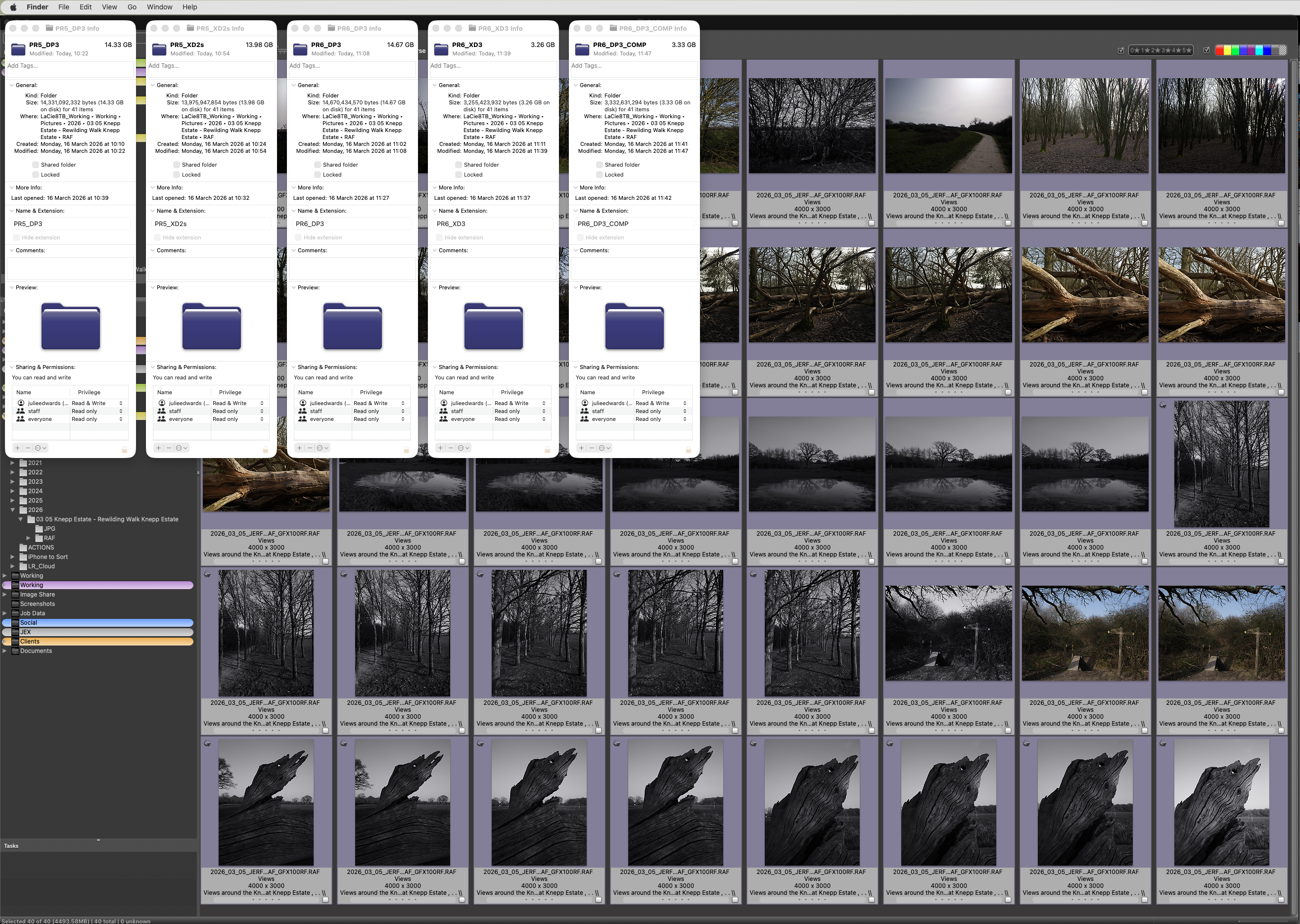
As I mentioned above, these tests were conducted on 40, 100MPixel GFX RAW files.
The system used was a Mac Studio M2 with 64GB RAM.
Whilst processing, the RAM used by PureRAW fluctuated between 1.GB and 2.5GB .

All these figures are impressive, but how about the quality?
Hopefully these screen-grabs of the 100% comparisons in Lightroom tell the story. (The images are the RAW files from my walk around knepp last week).
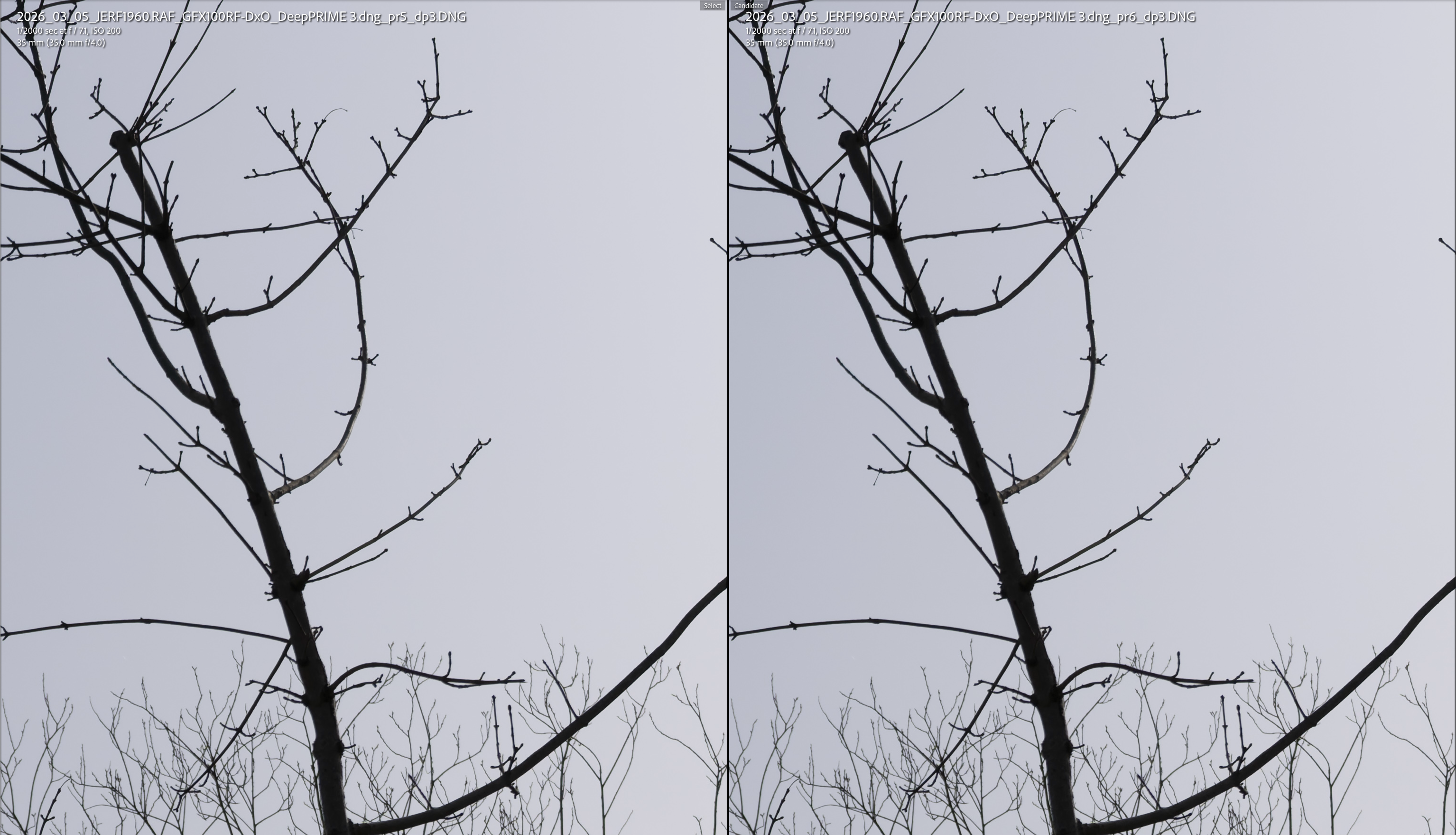
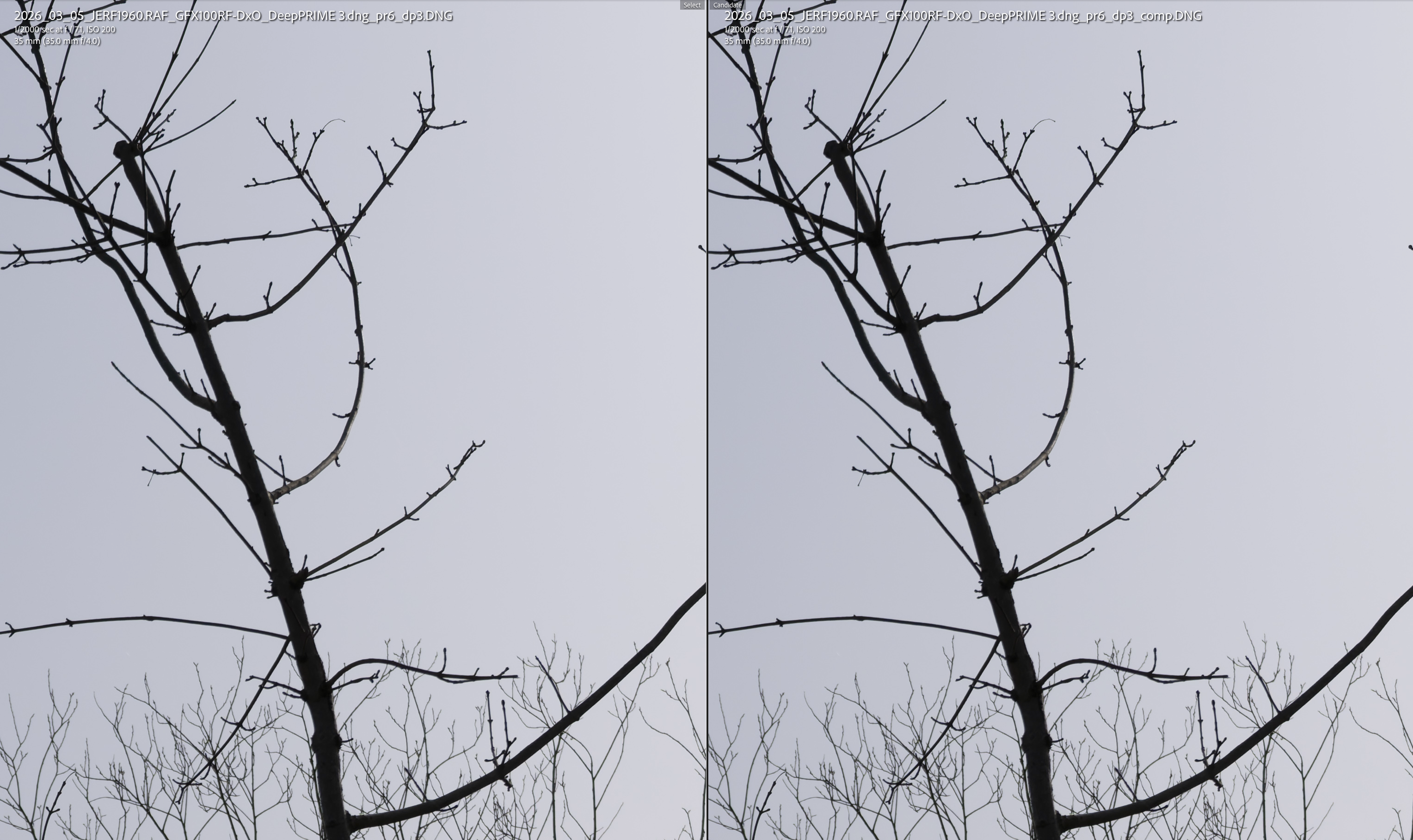
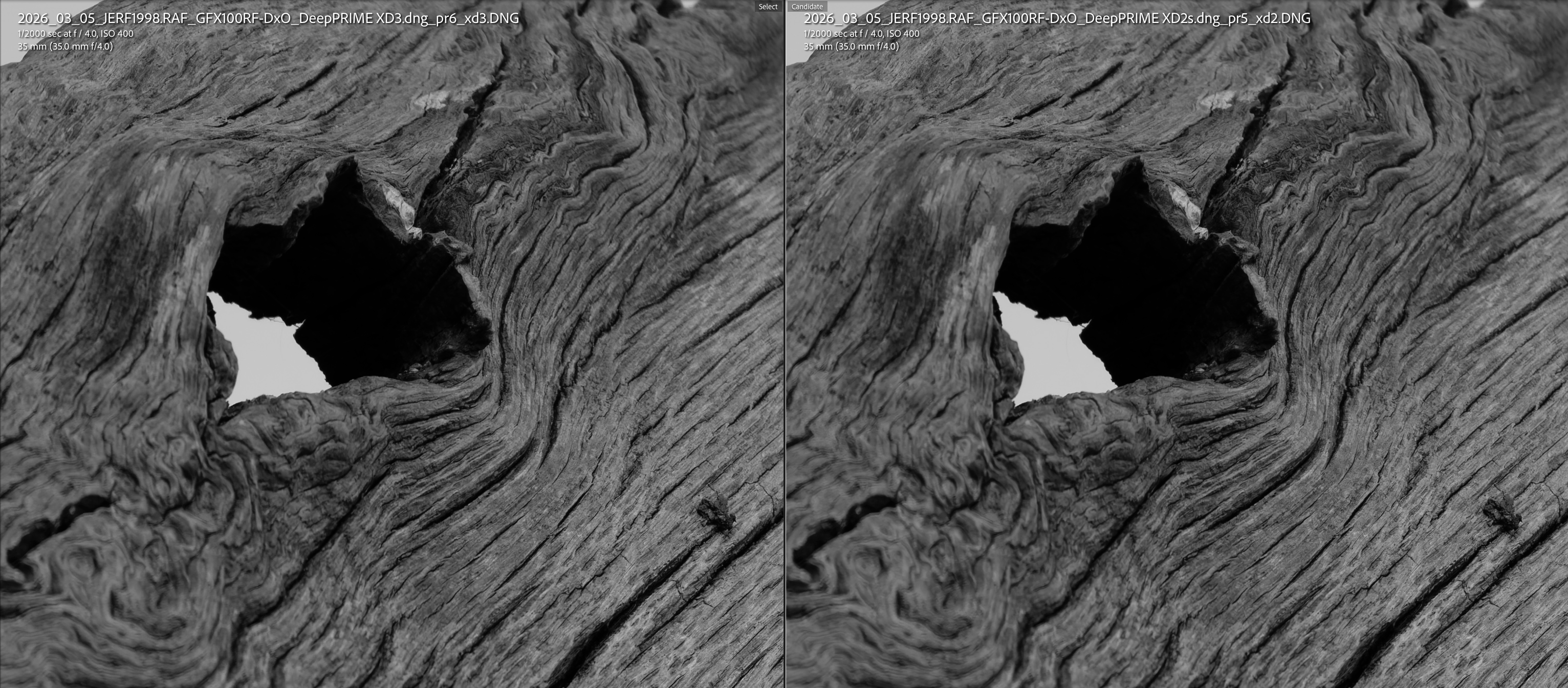
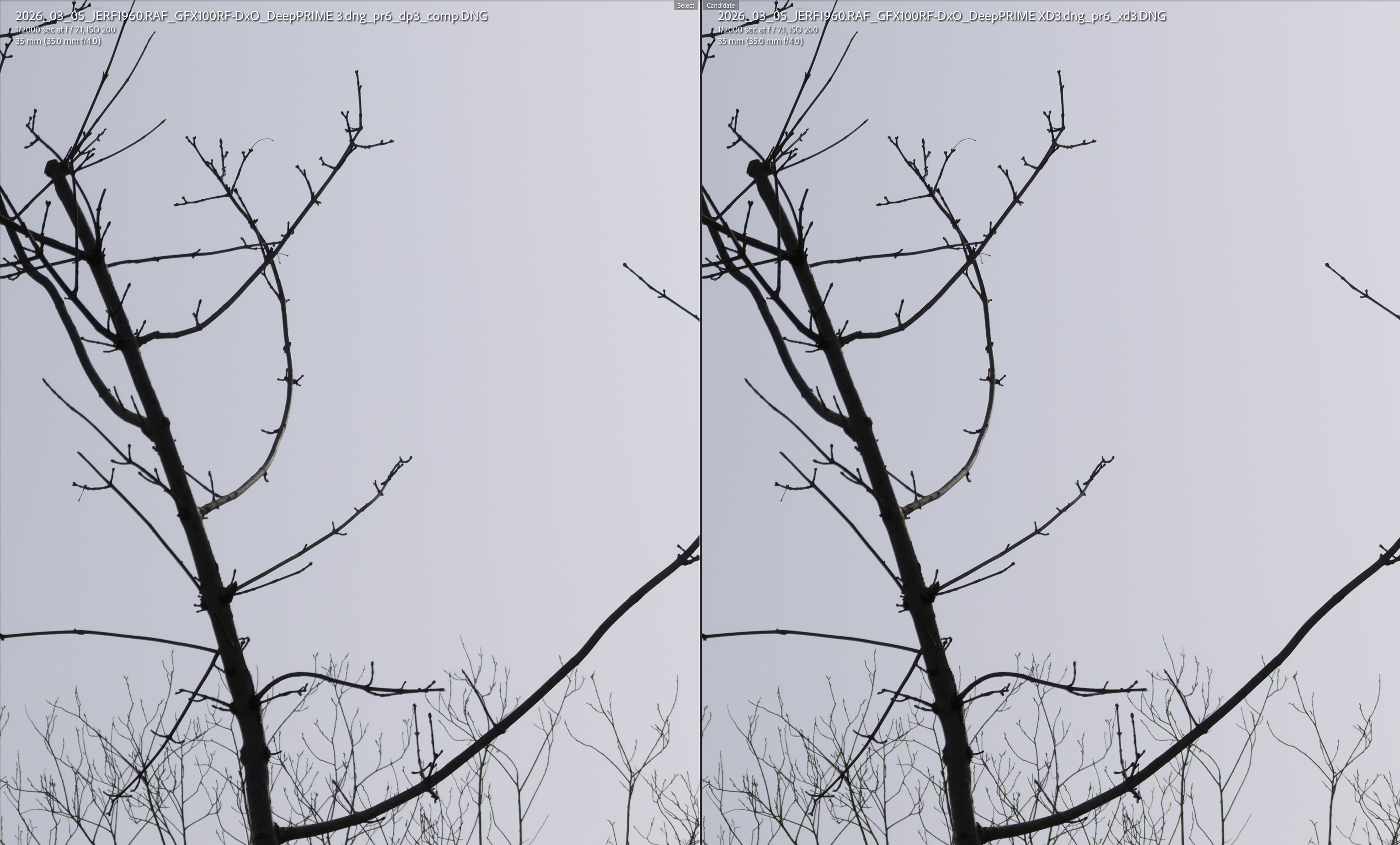
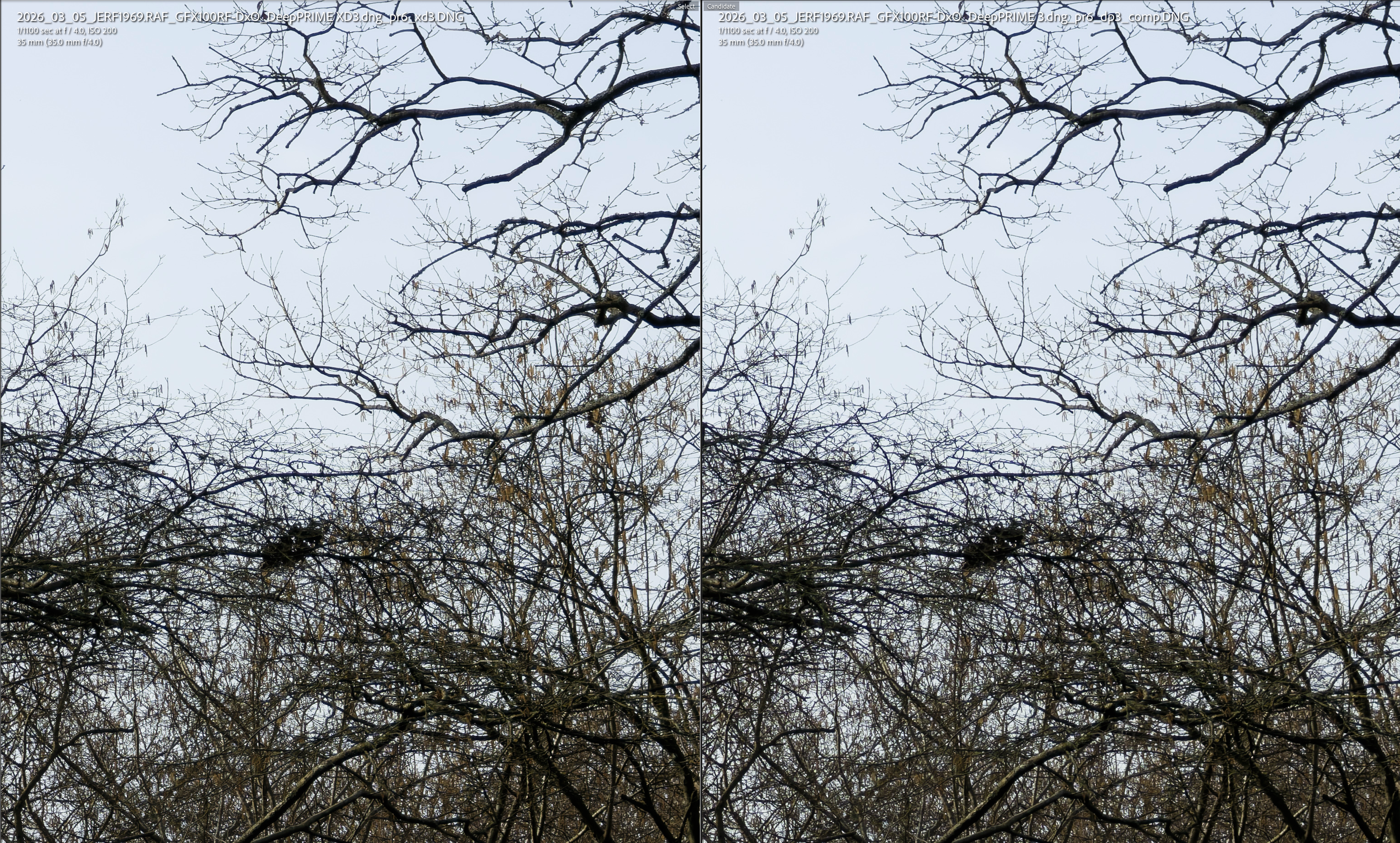
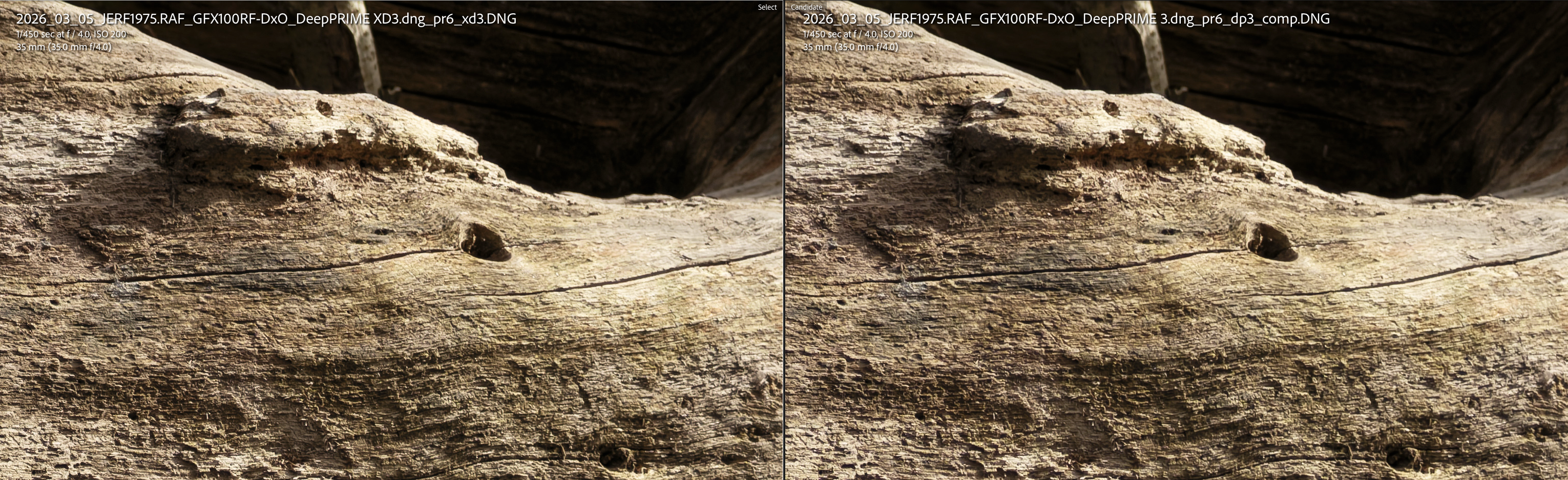
Of course, at the leve of details we are talking here, its very difficult to see any differences, even at 100% viewing (as the linked files here show).
My conclusions:
- DeepPrime 3XD in PureRAW 6 at default settings is not as hard as 2XD in PureRAW 5.
- DeepPrime 3XD in PureRAW 6 is more detailed than Deep Prime 3 standard, but is it worth the extra time? (I can probably run 96% of my work through without XD).
- At initial inspection I can see no loss in the compressed files compared to the uncompressed equivalent. (In these images – other images may behave differently.)
- The time reduction is worth the upgrade.
- The space saving is worth the upgrade.
You may have guessed – I have upgraded.
Do you use DxO PureRAW. Have you upgraded?
What are your thoughts?
I look forward to hearing from you.
 Julie Edwards-X
Trying again. Thanks for this information, like you I run all images through DXO as a first step in processing – they are all RAW from Canon 5D 3 and 4. I don’t really find the wait time an issue – I just make a cup of tea or do something else. I’m very happy with the files produced by DXO pureRAW 2 so have no need to upgrade right now.
LikeLiked by 1 person
My understanding is that GFX cameras don’t use X-Trans sensors, so do your results also apply to X-Trans sensors?
LikeLike
You are correct and so these performance increases are seen on a bayer sensor image (abit a large one). My experience on a job last week was that the performance increse also applied to XTrans files although I have no specific figures to prove this.
LikeLike