
How did I fair on my first job with a new workflow.
I have always found the only way to really trial software is to go “all-in” on a job.
Theoretical workflows whilst sitting at home, taking time, with a coffee and biscuit, are all well and good but its only under the pressure of a real job can quickly find the pitfalls.
As I posted the gallery last Thursday, it’s clear that this first job was the HBO Max launch party arrivals, that took place on Wednesday.
My (pre worked-out, with a coffee & no biscuit) was:
- Ingest JPGs for main edit.
- Ingest RAWs but ignore them till later.
- Edit and send the JPGs (using Photomechanic & Lightroom).
- Select the RAWs for the monochrome treatment in Photomechanic.
- Process in PureRAW.
- Edit in Filmpack (saving to a JPG).
- Ingest into Lightroom for management and sending to client.
My first key takeaway was, make sure I have the ingested JPGs open when I start the first edit, not the RAWs (yup). A mistake caused by trying to be too fast.
Remember the saying..
Less Haste, More Speed..
Once all the initial edit was completed and sent, I turned to the RAWs.
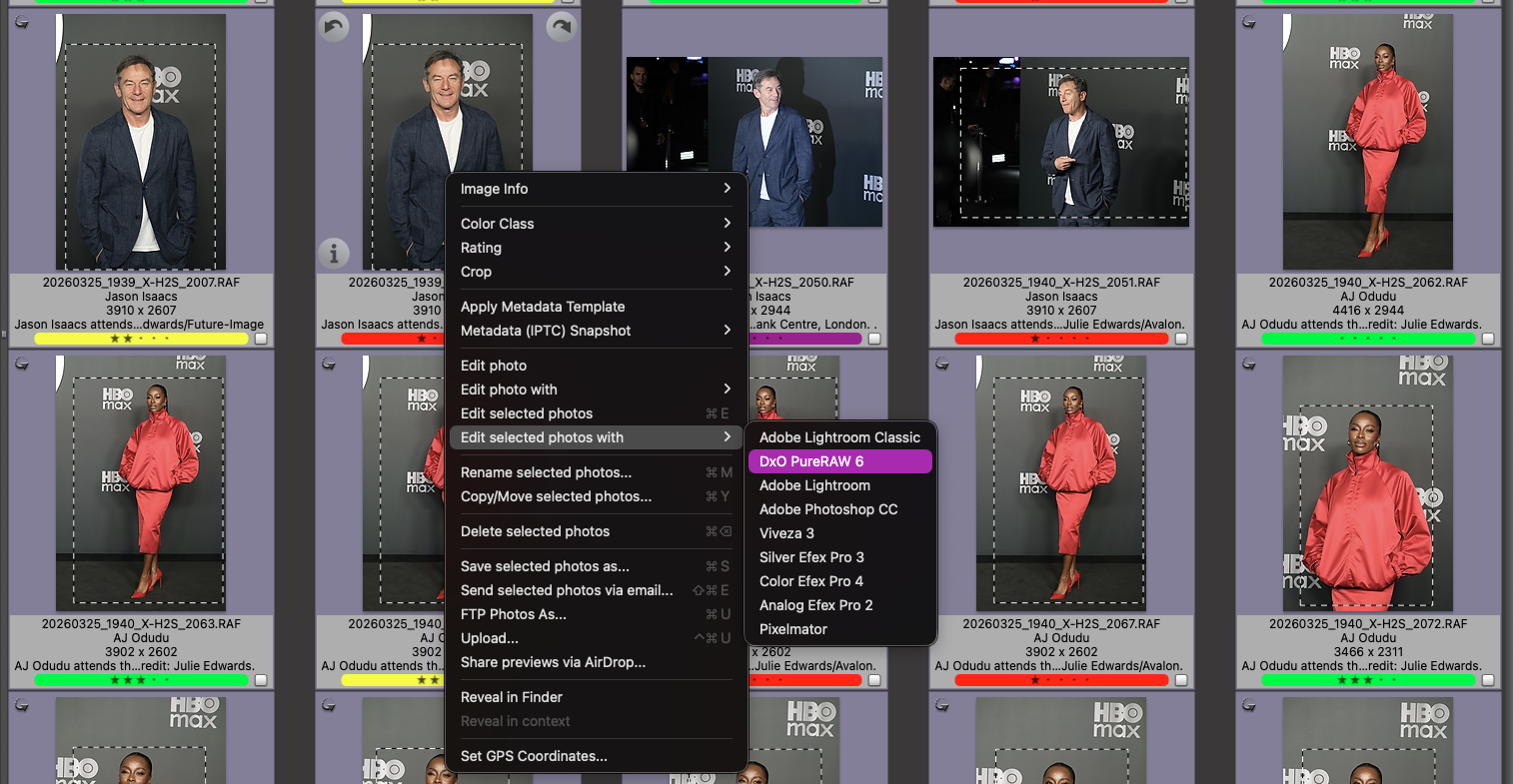
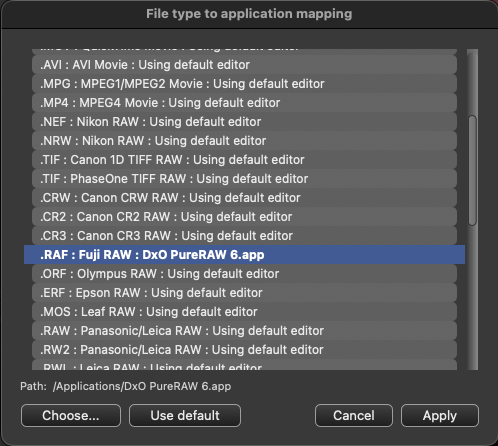
Again I selected and captioned in Photomechanic, then selecting them all to (edit in) process in PureRAW 6. The speed of the updated software is really impressive, with it creating the compressed DNGs in a sub-folder much quicker than version 5.
Once complete, I could run through the folder, image by image, applying my custom presets and tweaking before exporting the Monochrome JPGs to another folder.
Once complete, this folder was imported into Lightroom, then exported with a preset and sent out via FTP.
So how did Filmpack perform?
Overall it was fairly quick although this workflow does mean an image-by-image edit, no batching, which probably meant I spent more time on each image. Instead of my single preset with a slight tweak per image approach of NIK, each image was opened in turn, assessed and a preset applied (or the image was deleted in the browser if it did not quite work out as expected).
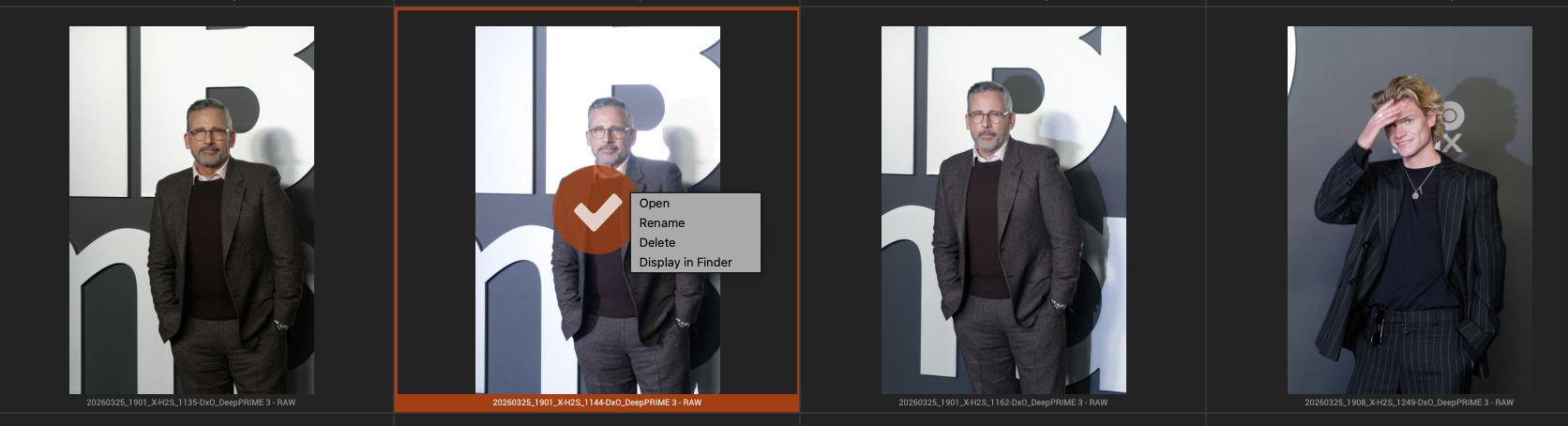
I like that I can delete an image that does not work in the Filmpack browser instead of having to remember to reject or delete it after the edit in Lightroom (a function of the batch processing and edit-in workflow)
Did it solve my NIK Silver Efex annoyances?
Switching to processing DNGs through Filmpack to create my Monochrome images has certainly made the final Black-and-White images less reliant on the initial colour edit, giving me far greater flexibility.
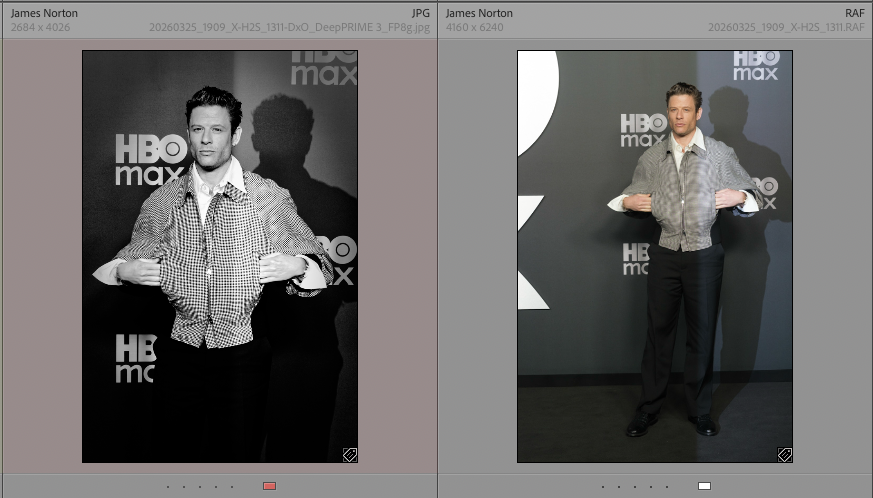
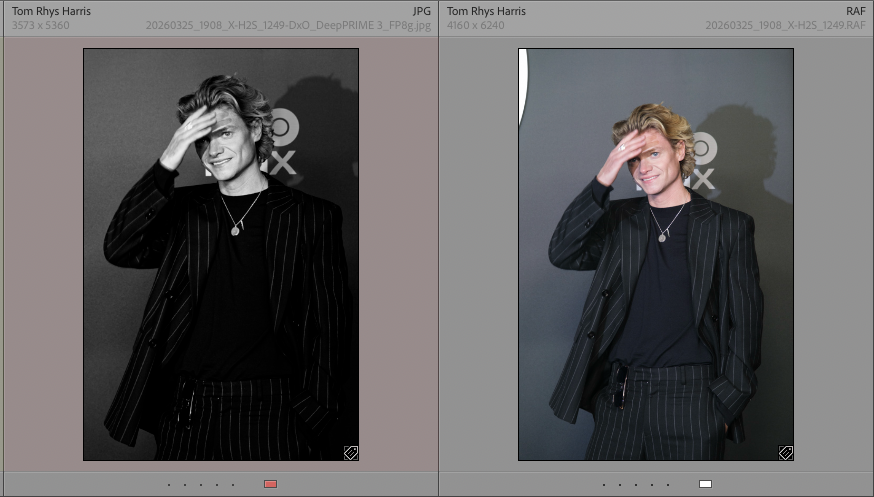
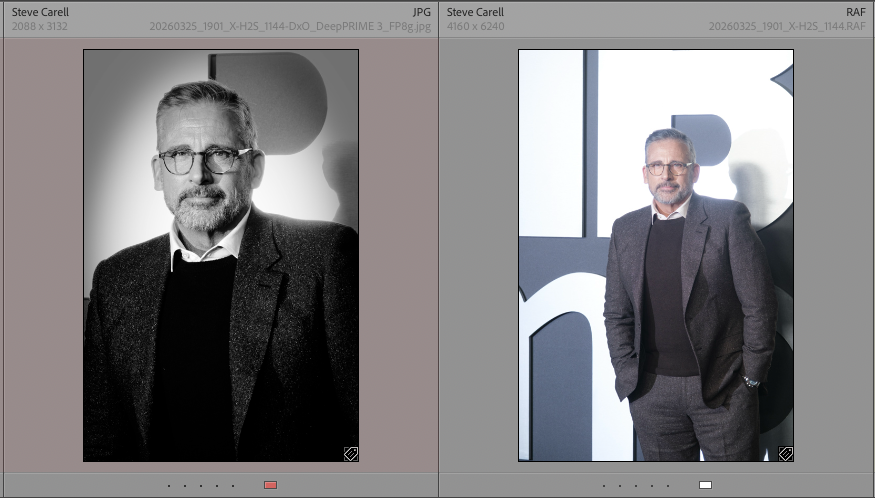
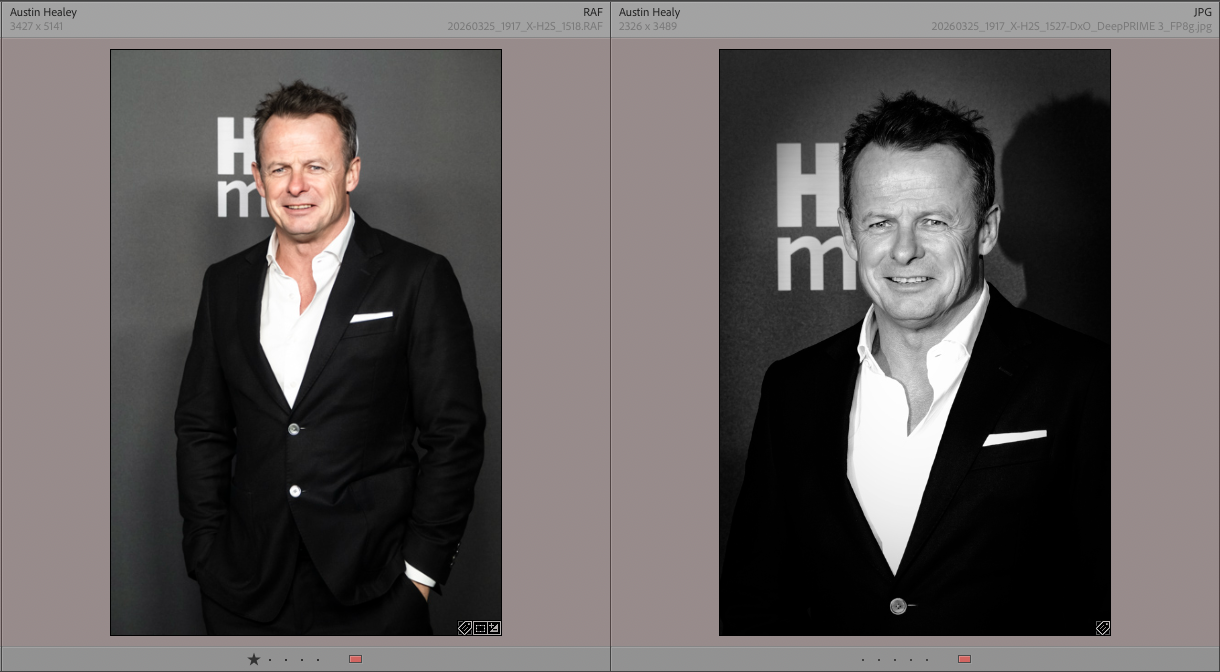
I think the images I finished with last week are a bit more subtle and more Fujifilm like (If thats a thing).
Did it add any new annoyances?
Yes! This is quite a big one which must be me as I cannot believe there is no way around it.
One of the issues I wanted to solve was having independent crops of the monochrome images vs the colour. Filmpack has it’s own crop tool, and straightening too, so in theory, no issue.
However I cannot find a way to flip the crop tool to create a portrait (vertical) crop on a landscape image. It certainly does not mention how in the help. The only way seems to be an unconstrained crop.
… 2 Hours Later …
I posted this question on the DxO forums after drafting out this post (on Saturday), receiving an answer a few hours later.
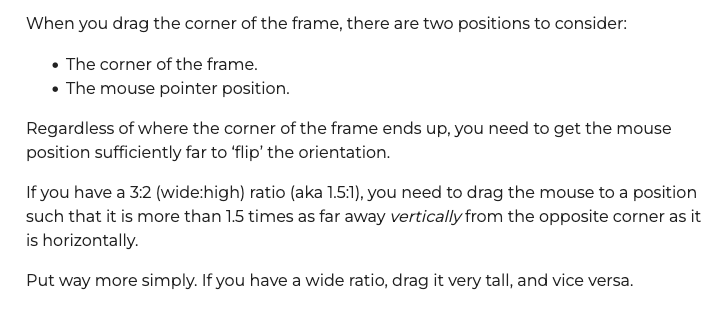
So I was just not “forceful” enough with my mouse position. I needed to move the mouse to a position where the software has no choice but to flip the crop orientation.
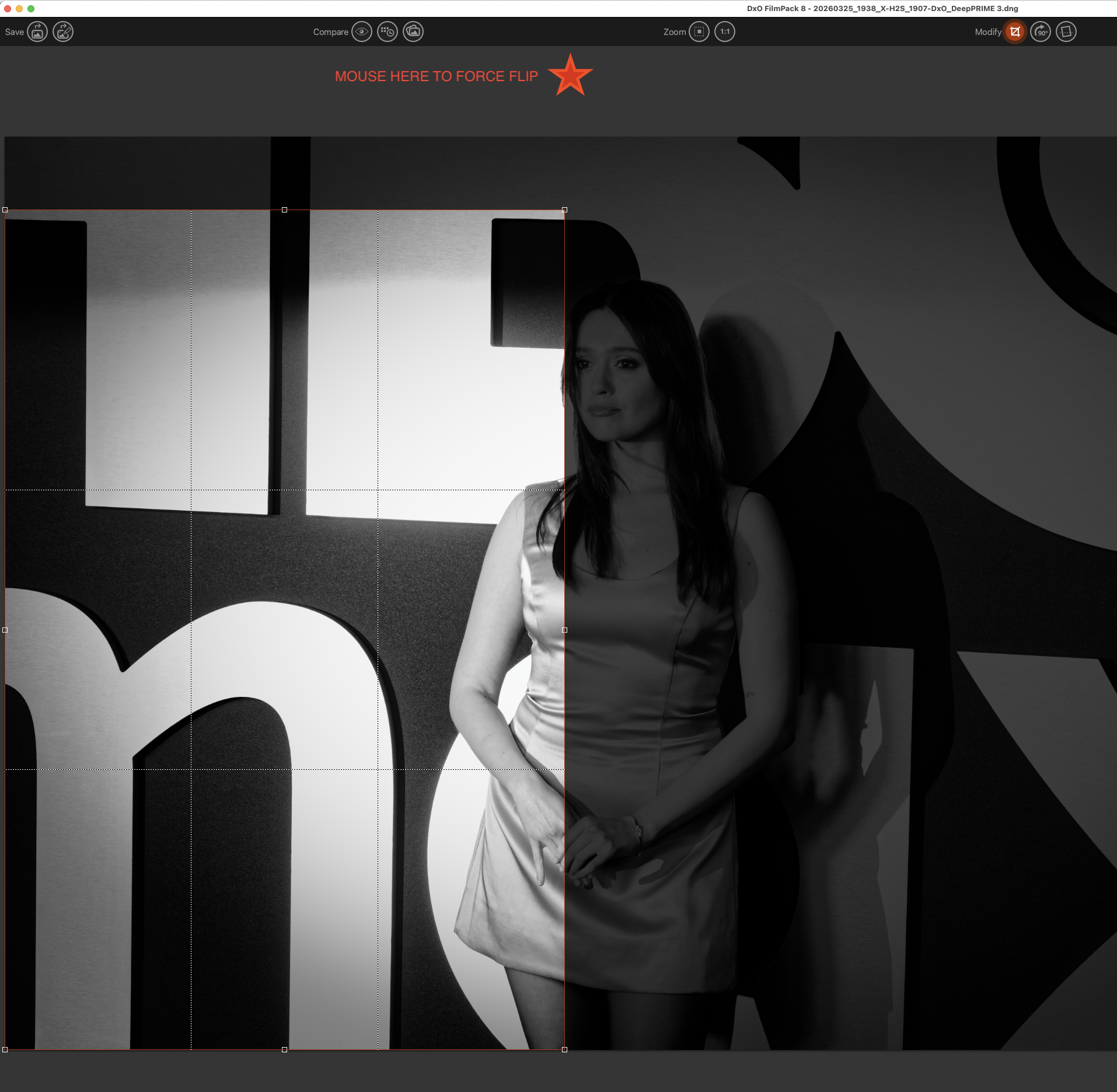
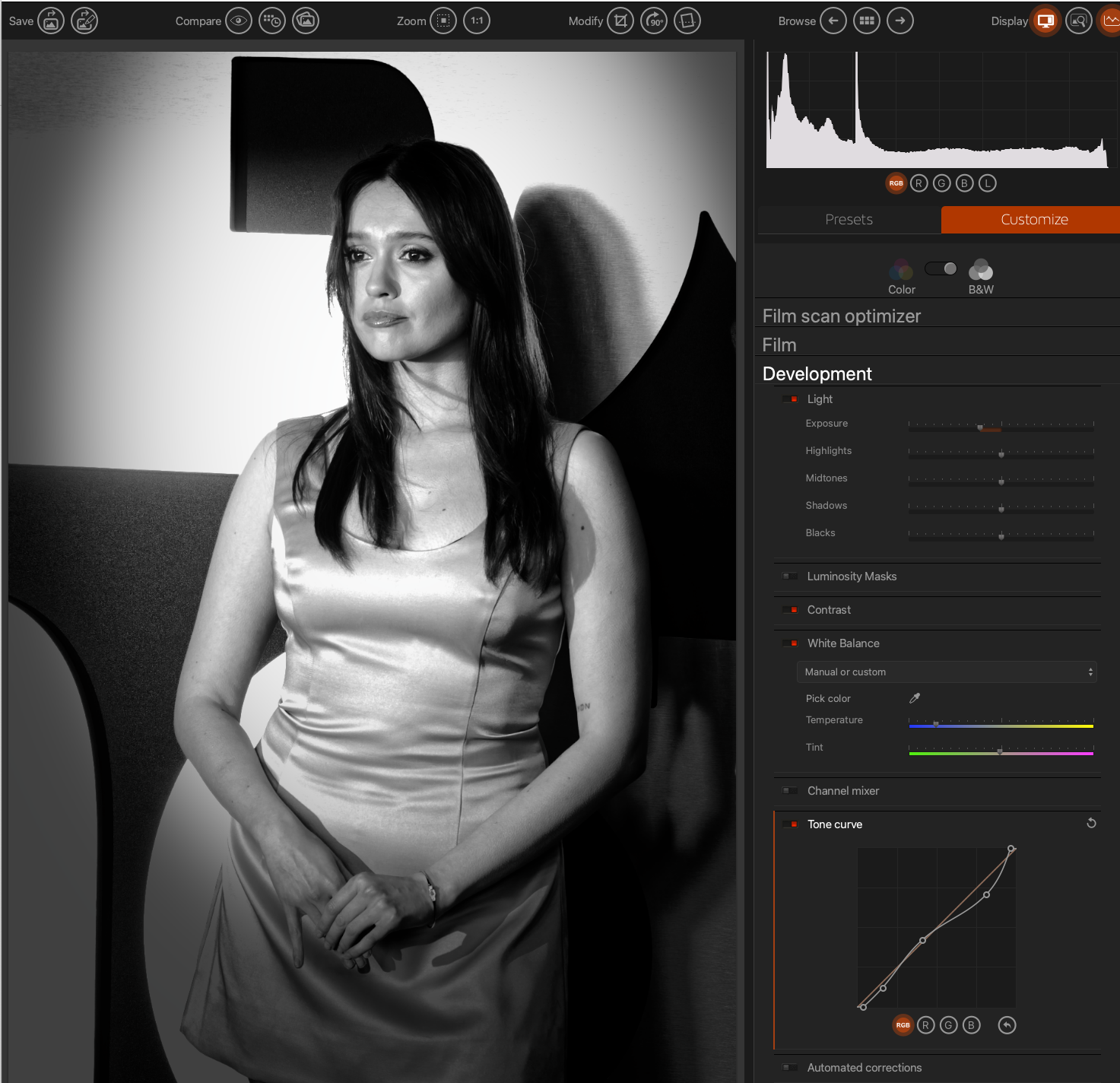
So that annoyance (at the time of editing) was, as it so often turns out to be, User Error!
Did it meet my expectations?
I think so.
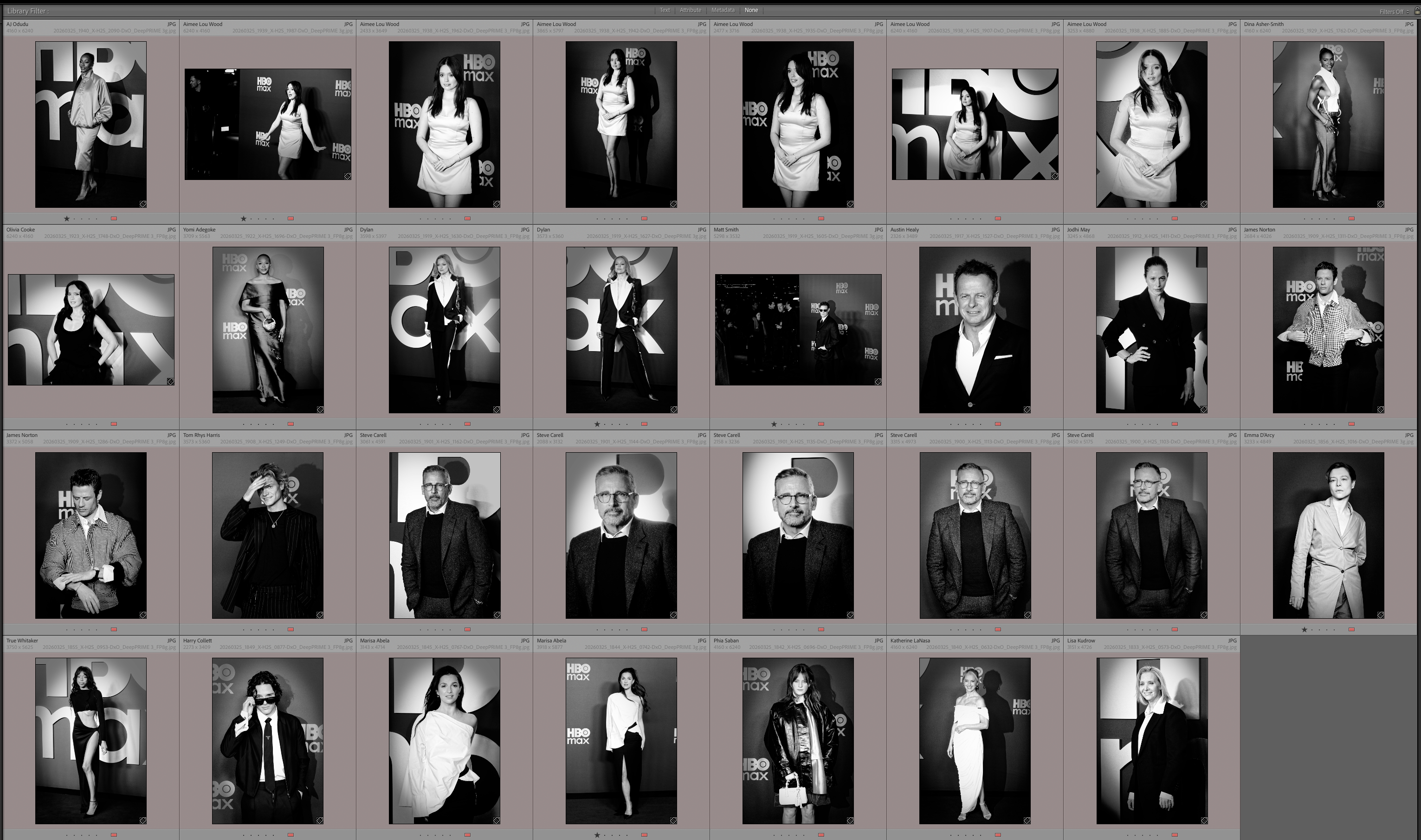
The quality of the final image files (as the quality of the actual images is subjective) is improved over the NIK process. I am more than happy with the independence of the monochrome files compared to the colour.
The BIG question is, how much faster, how much smoother, can I make the process. Can it become as quick and as automatic as my NIK process?
These are questions that will take time to answer.
 Julie Edwards-X