
Apart from a single occasion (where I was really cash-strapped and cut costs with a middle-of-the-road Mac-mini which I upgraded myself), when updating my computer systems, I have purchased a MacBook-Pro for flexibility.
Recently I have been getting very frustrated with my 2018 MacBook-Pro. I say recently, actually it’s been going on a while; I have never been that happy with the way it handled the external displays when editing in the office. Even with its Radeon Pro graphics and 16GB RAM is just really struggled in Lightroom Classic, imports and preview generation taking an age.
With the latest updates, Adobe added an Ai De-Noise which, at 5 minutes an image, was almost unusable. This new tool, coupled with the fact I am producing more landscape images and general stock (following my last post), I decided to investigate some of competitors advanced editing tools, including DxO PureRAW.
Going back over old images (such as this X-T2 RAF from 2017), it was surprising how the image quality could be improved (I am not generally a pixel peeper but as I am producing more large format prints, any improvement I can make to the file is welcome).

However, this software was even slower!
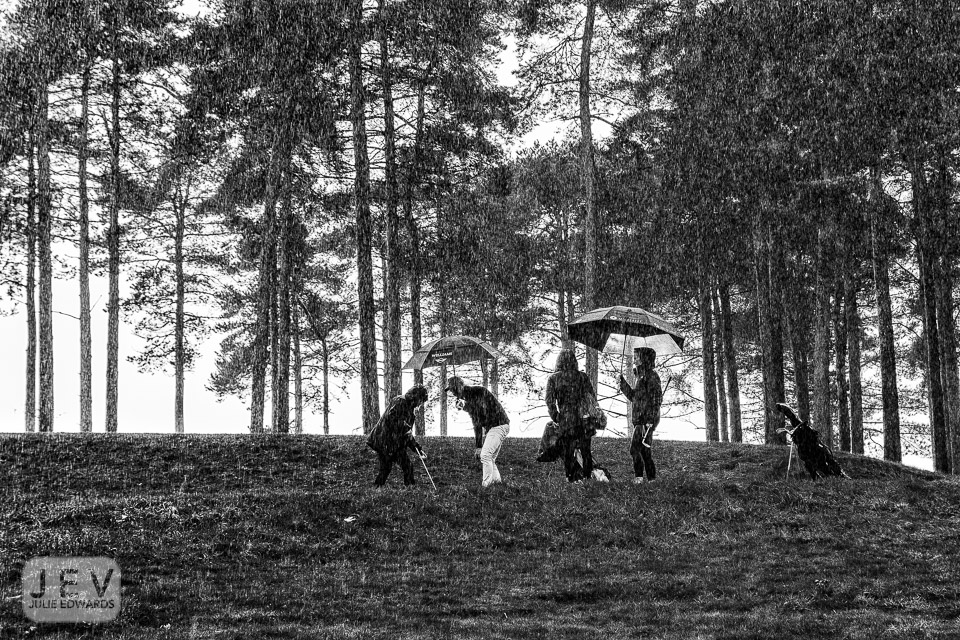
The straw that broke the camels back was editing a set of 300+ images from a charity golf day. The weather was awful that day and getting the best out of the RAW images for the client (shot on my X-H2s and 150-600) was slow, slow, slow.

Much investigation followed. Benchmarks, reviews, user reports, tech specs. You name it, I read it. My conclusion, invest in an M2 Max Studio with the 64GB RAM option and base spec 500GB internal drive.
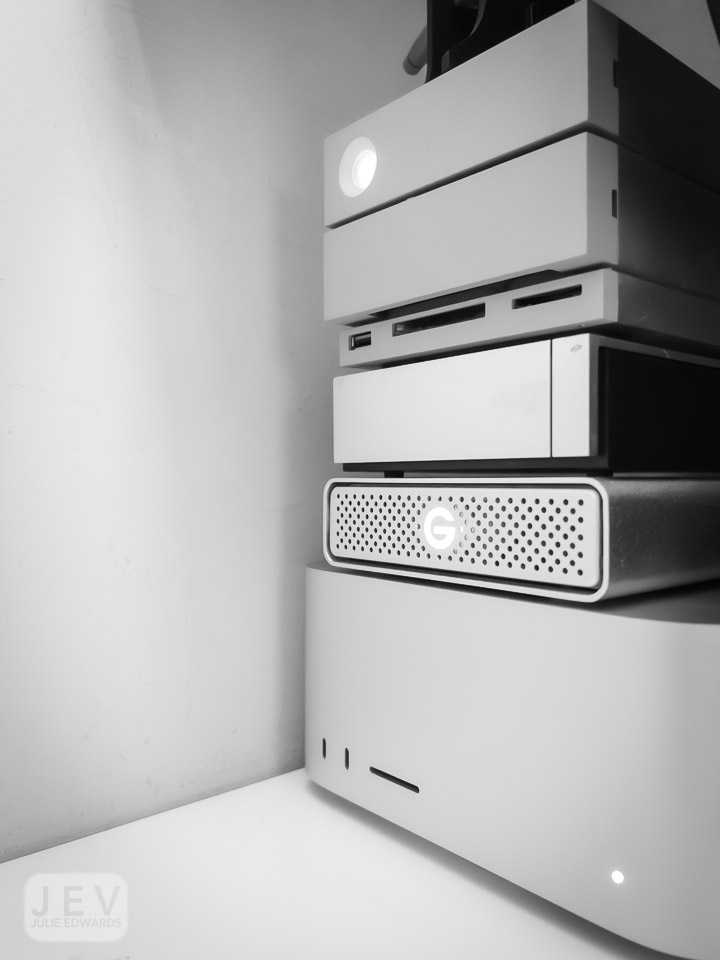
The results?
- DeepPrime processing on an X-T3 Raw file drops from almost 5 minutes to well under a minute
- Imports, Exports and preview generation takes a fraction of the time
- All edits in Lightroom are totally fluid
- No delays on the sliders
- No pausing removing dust-spots
All of this with 2 monitors, displaying an image grid on one with the other editing at 3008 x 1692 (a BenQ 4k PhotoMonitor).
I have never known Lightroom to be this responsive.
The speed improvements have led to my purchasing PureRaw (at a discount whilst upgrading my DxO Nik from 5 to 6), enabling me to worry less about the ISO on my older cameras.

Editing has become a joy.
I’ll finish up with a couple of images from the Peter Gabriel gig at the O2 I photographed in the summer, edited in the updated Silver Efex Pro.

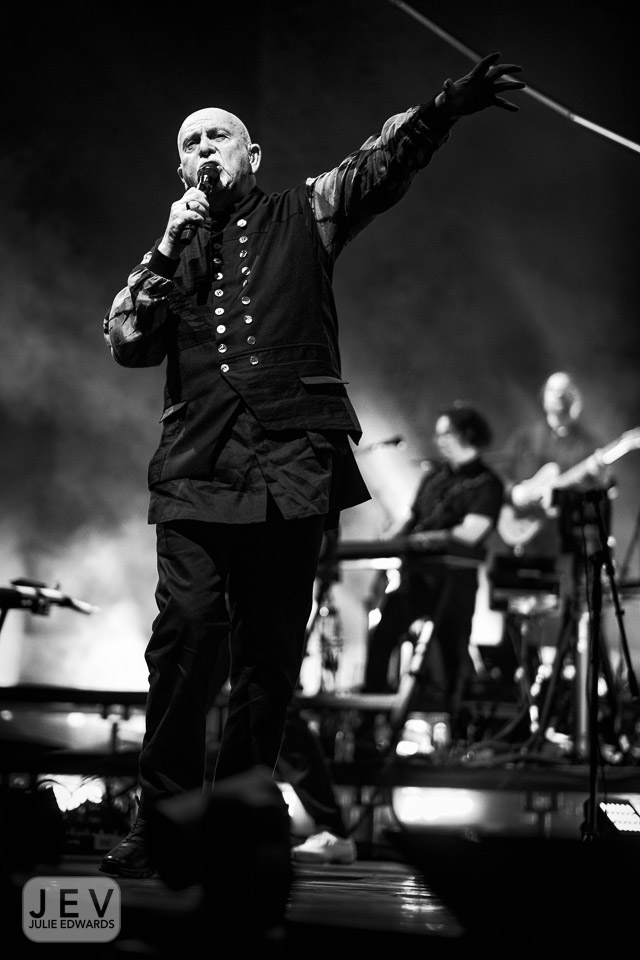
I have mentioned far too many subjects here so I will follow up many of these in later posts.
If you have any questions or comments on any of these subjects, as ever, please comment below as you will guide my next writings.
Until the next time.
J x
 Julie Edwards-X
Totally agree about switching to the Mac Studio. I bought a base model in early 2022 (M1 with 32 Gb RAM and 512GB hard drive) and it still flies through files in a way that even an M1 laptop cannot.
LikeLike
So will you use the iPad whilst working remotely and just be done with the MacBook Pro?
LikeLike
I think my plan (at the moment) is to continue to use the ipad for the smaller jobs as i am still very happy with it’s speed and use on site but reserve the MacBook for larger jobs or where i am away for a few days with many jobs and/or photographers (ie festivals such as cannes) ..
LikeLike