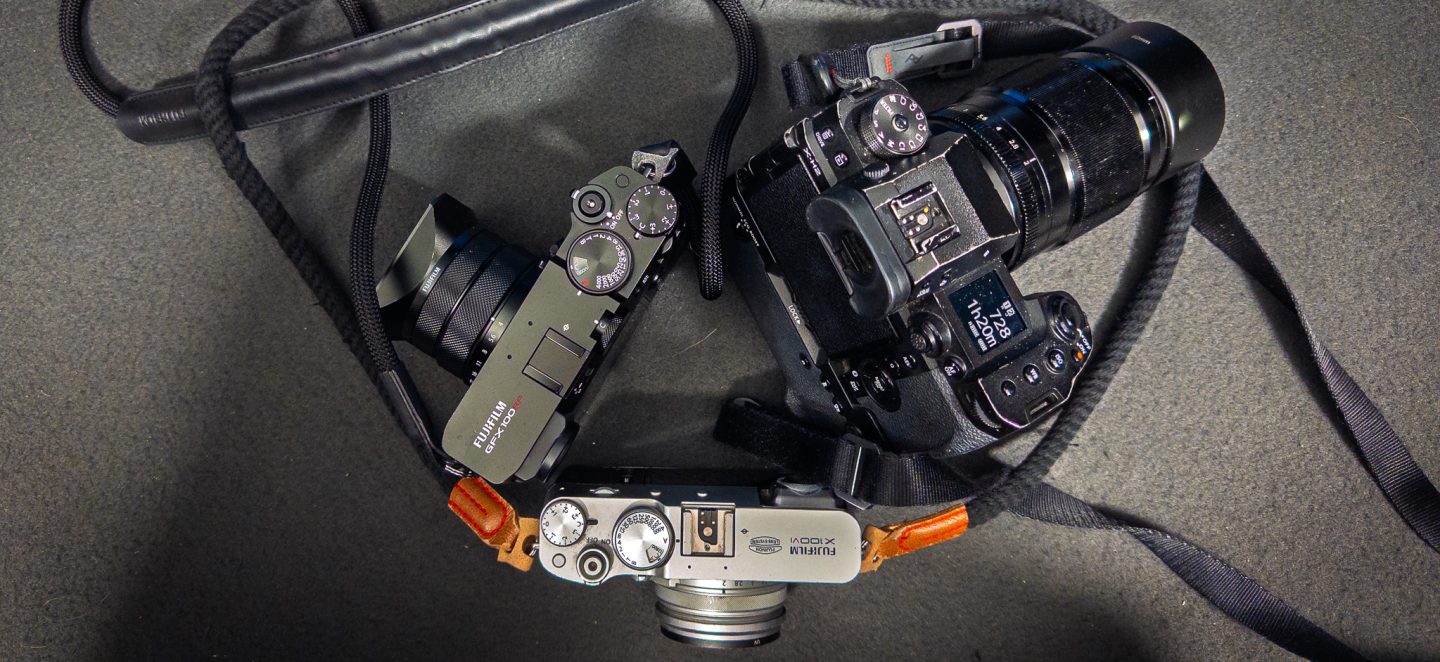

Thursday and what is supposed to be the gallery post is actually the wordy post because its an extremely busy week with client shoots mixed in with UK Premieres.
Last week I gave some general observations. What follows are some specific points when using the Tourbox with particular applications.
Photomechanic
I found with photo mechanic that using the number keys on the keyboard for rating and tagging images is still way quicker and easier than the 4 D-Pad keys which are like a game controller are too small (especially with my fingers and nails). However using the scroll wheel to the left to pan quickly through the images in Photomechanic is way quicker than using the arrow keys and feels nicer.
So it seems that In photo mechanic that (for me) ideal use is the Tourbox and the keyboard.
DxO Filmpack
Unfortunately, there are just not enough keyboard shortcuts in this software to enable a really meaningful configuration.
All I’ve managed to do is configure it so the wheel will flip through the images so I can pick my image and then I can press the wheel to edit it, much like in Lightroom.
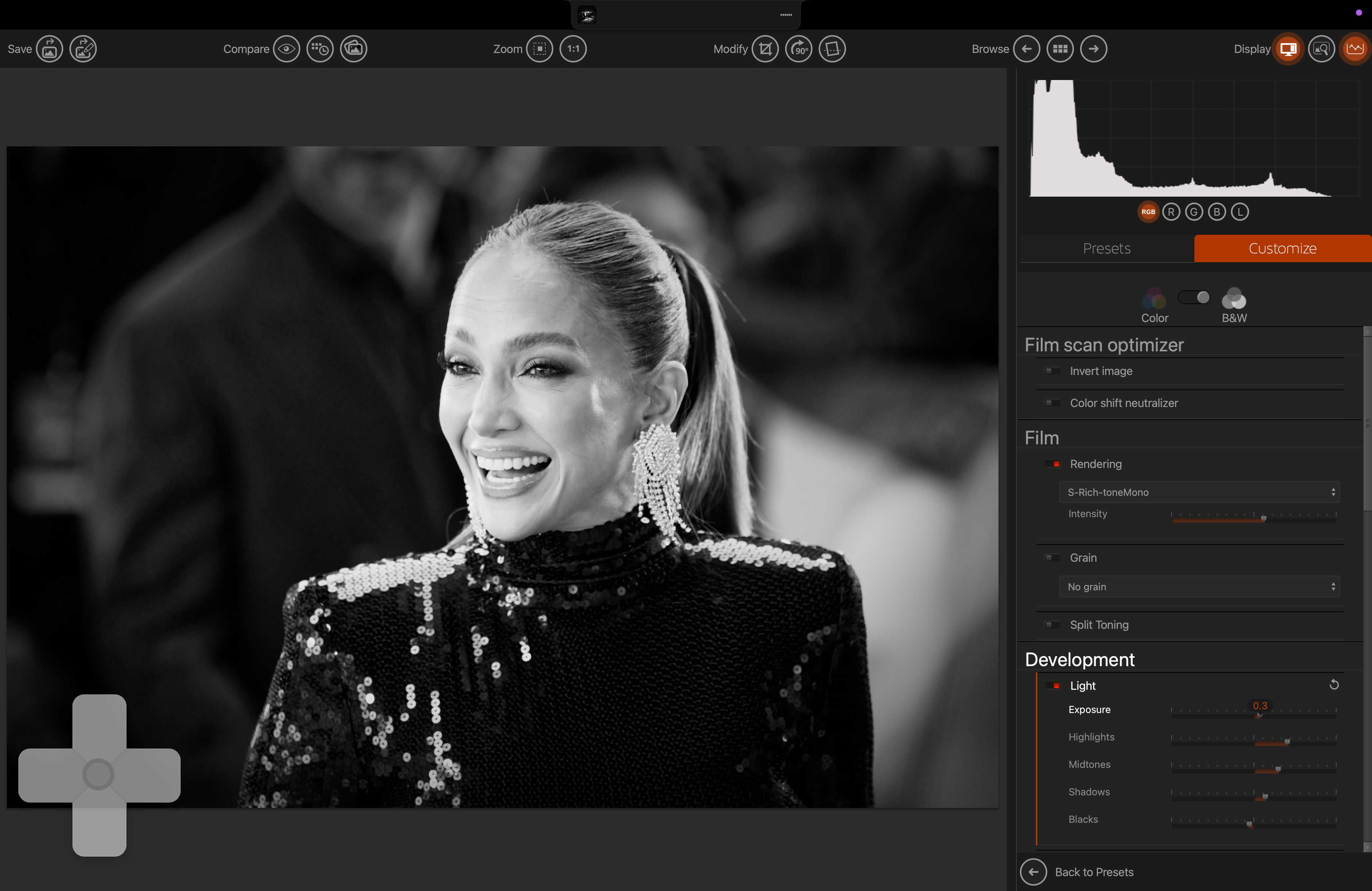
From then you have to select the tour with the mouse to actually make the adjustment.
For example, click on the exposure tool and then you can use the knob to adjust it. This actually works well and twisting an knob feels better than adjusting a slider with a mouse, but of course it would be way better if I could press a button on the toolbox to activate the exposure adjustment before making the changes.
If only DxO could add some more keyboard shortcuts to the software; Feature request inbound for DxO I think.
Lightroom classic
I have left the most important tour to last because this is the application where it really matters whether the Tourbox works or not.
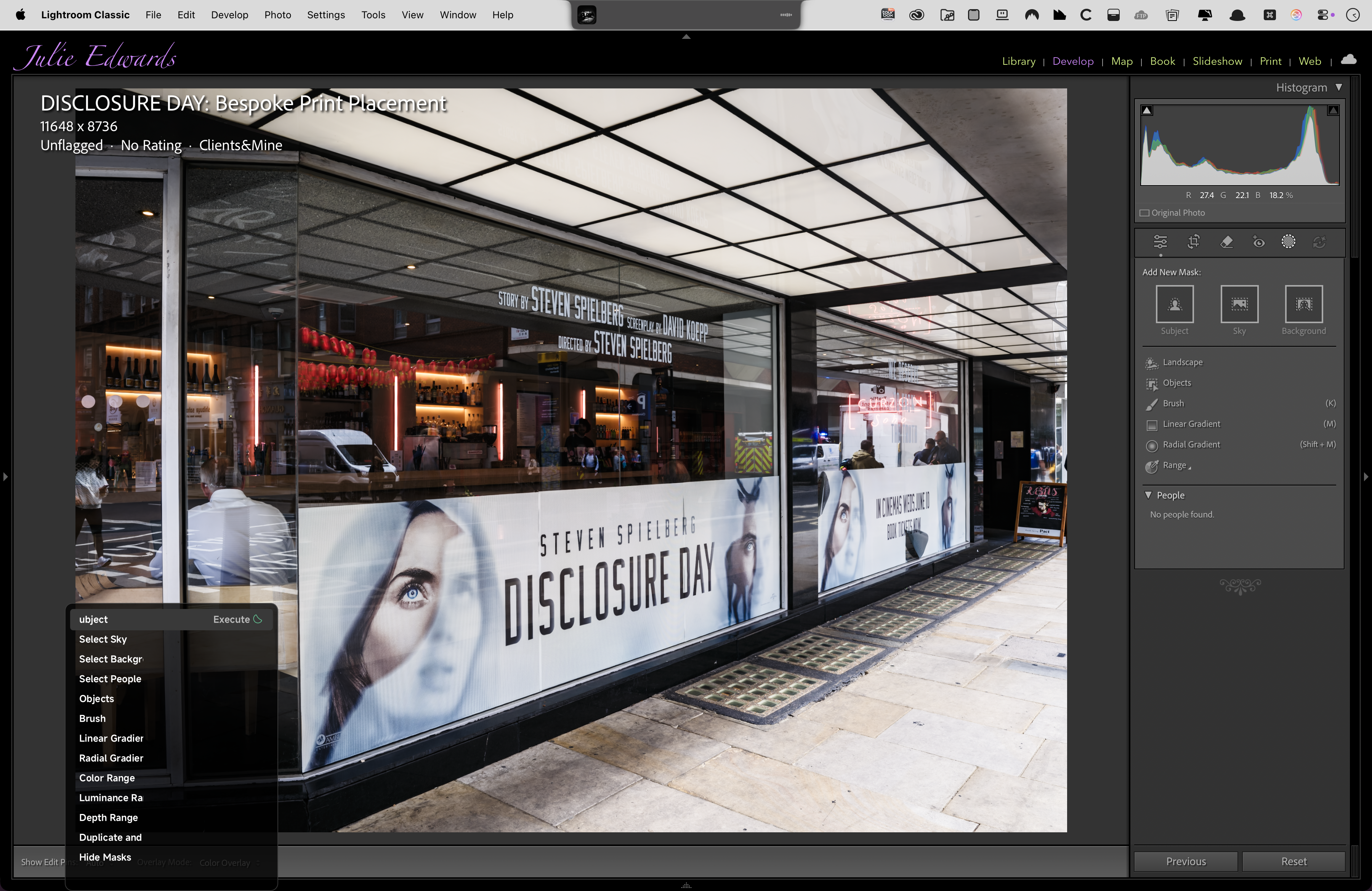
This is where the toolbox really comes into its own and after gradual tweaking of my configuration over the 10 days I’m starting to find it a much faster way of editing with a laptop, hardly ever using the keyboard.
Probably the best point I can make is how The editing actually feels.
Because of the way I shoot and the presets I use when importing the images into Lightroom, my editing process consists mainly of exposure adjustment, Crop, and adding a vignette. I’ve readjusted the default configuration of in the tour box panel to make these tools more accessible and faster for me.
In Pt.1 I said that using the knobs on the Tourbox totally changes the feel of using Lightroom; becoming more organic; Almost like adjusting the exposure on the camera with a dial. It just feels more natural and less like using software.
The only time the mouse is really coming to play is using the crop tool, as at the moment, I can see no way of changing the crop aspect ratio using the Tourbox, so I’m having to use the mouse to change the ratio from the drop-down list as well as obviously making the actual crop adjustments on screen.
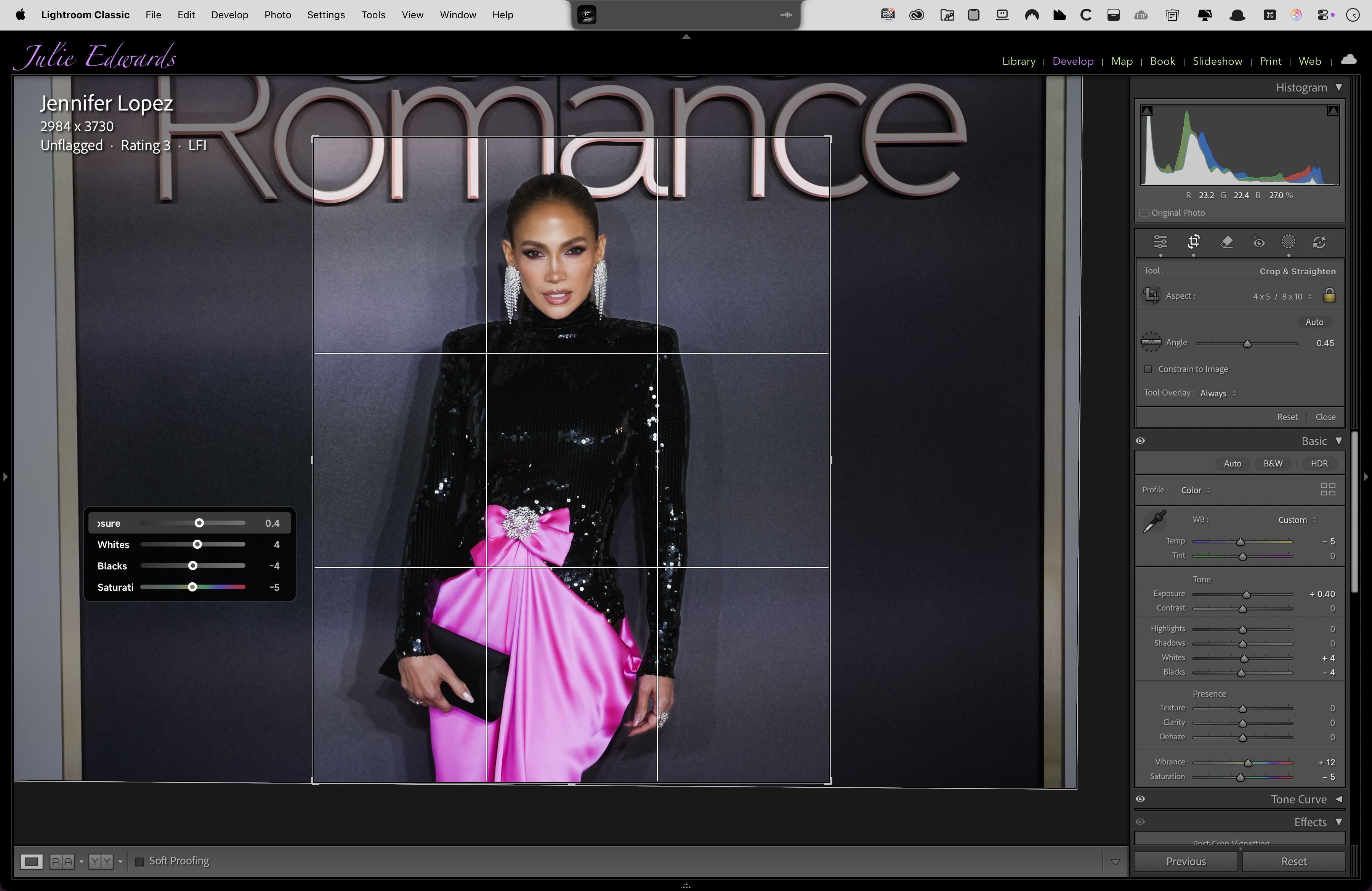
The sales literature for the toolbox states that you can work for screen and not have any sidebar showing. For the reason stated above when cropping, I found this is not really true. I need to keep the right hand sidebar open but it’s purely for the crop, the left side bar is now gone so the image is taking up way more of the screen.
That said the way the tool can be configured to suit your needs is very flexible. As I hinted at above I’ve got all my default tools now I’m very quick and easy presses and the muscle memory is starting to really take hold.
Not only can you change what the buttons or the combinations of buttons activate, but you can also control the order of which List items appear, for example as shown below I found the vignette tool to have the adjustment items in the wrong order so I re-ordered them so the amount of vignette is at the top so it’s the first thing I adjust. (For some reason on the default panel it set up opposite to Lightroom classic, with Amount at the bottom of the pop up panel).
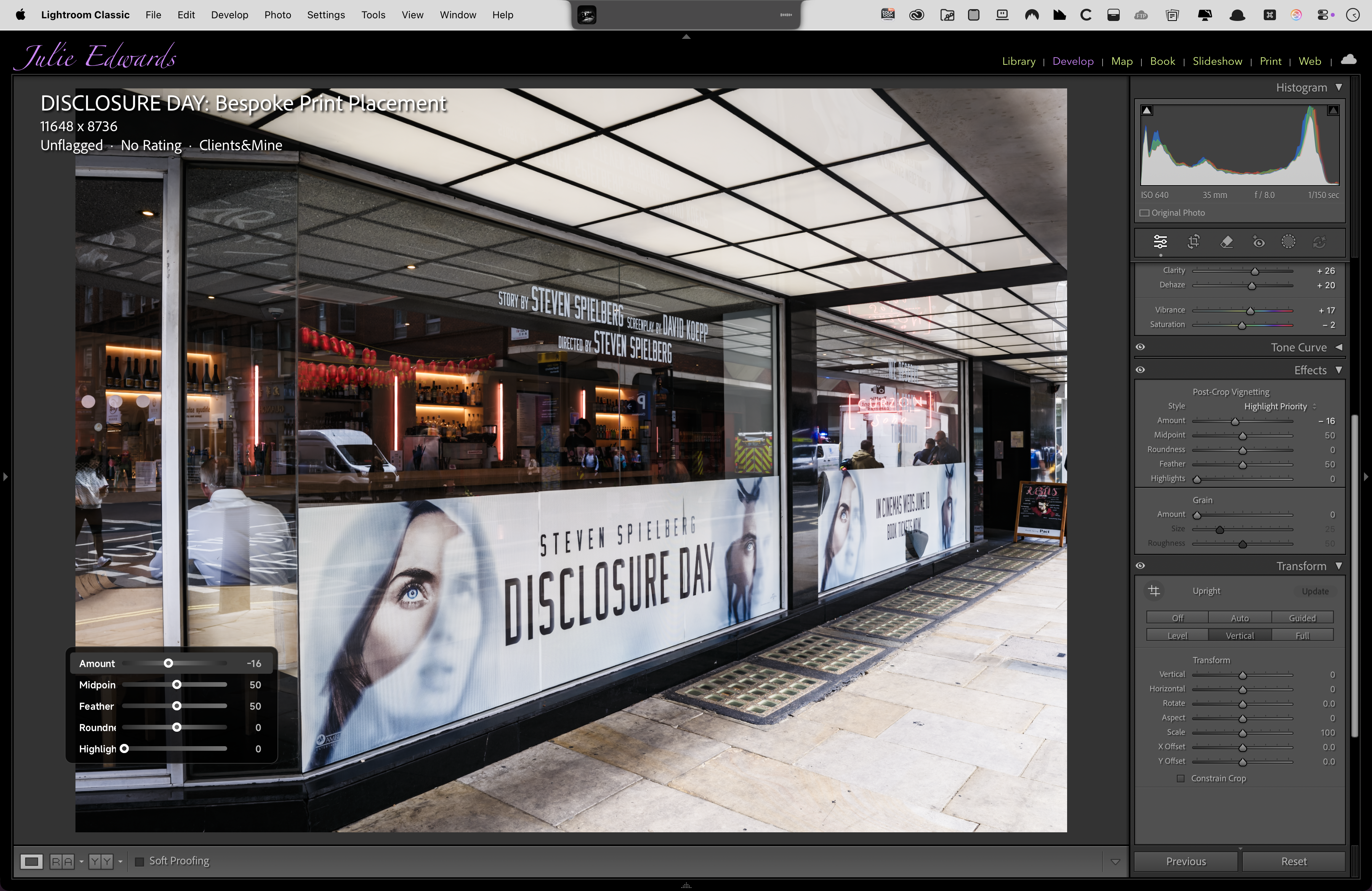
I have also adjusted the order the Parametric Curve panel is arranged and this is now my preferred way to adjust highlights and shadows.
I have only had the panel and system crash once over the 3 weeks I have been using it, and that may actually have been Lightroom freezing as opposed to the Tourbox panel.
Once I’m totally happy with my configuration, all Upload my settings here so you can download them and try.
J

