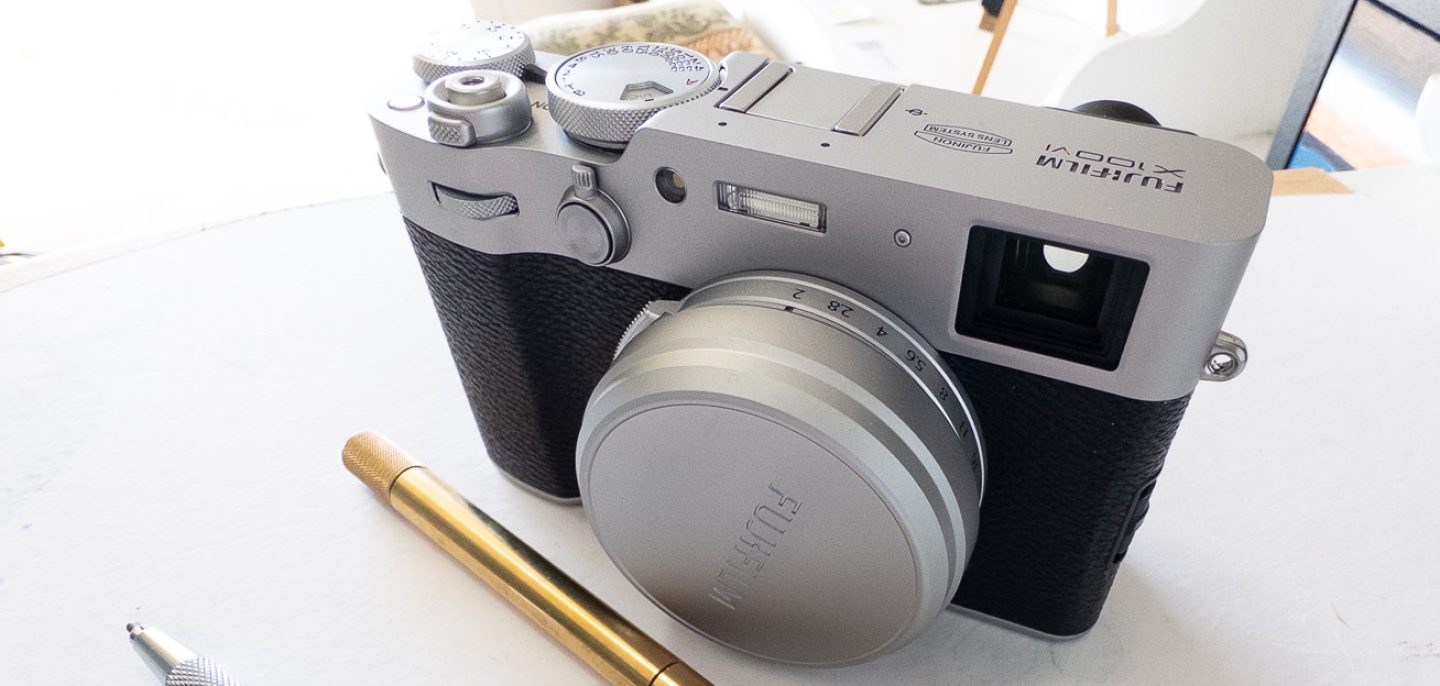

I’ve mentioned this tool a few times now and I’ve yet to write about it. I used the product extensively at this year’s Cannes film festival and I’ve got a few observations.
But first, what is a tourbox?
It is essentially a game controller that’s laid out for single hand use with buttons and knobs.
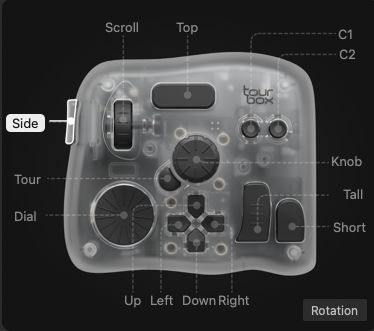
Have a look on the website or the picture above.
I have mine positioned on the left of the keyboard, using my left hand on the tour box and my right hand on the mouse. With this setup my keyboard is rarely touched during editing.
It’s not the Technology of the box that is clever; it’s the layout for one hand and the combinations of keys it allows, plus the software and how that interacts with various editing platforms for photos and videos.
The key to use in this tool is the configuration and building a configuration or key set that matches how you work on what you do the most.
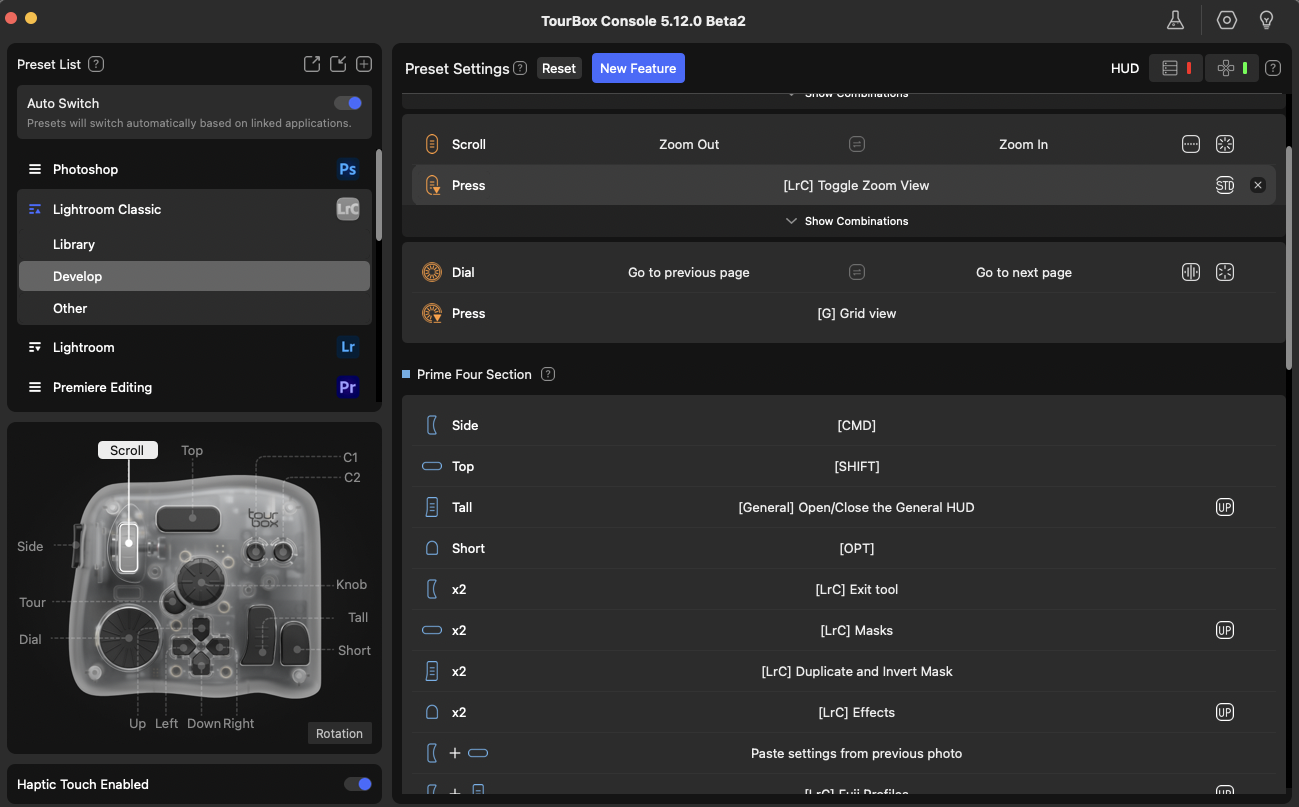
At the home office, I had initial configured profiles for Lightroom classic and photo mechanic as well as DxO FilmPack 8. Some of these are more successful than others.
I will go into the actual use of the tourbox in the next post, where I will comment on the configuration with the various tools and what is successful and what is not.
At this point I just wanna get my initial feelings across On how the tool changes how I worked and how it felt to work.
Lightroom classic is where the toolbox really comes into its own and after gradual tweaking of my configuration over the 10 days I’m finding it a much faster way of editing with a laptop, hardly ever using the keyboard.
Probably the best point I can make is how the editing actually feels.
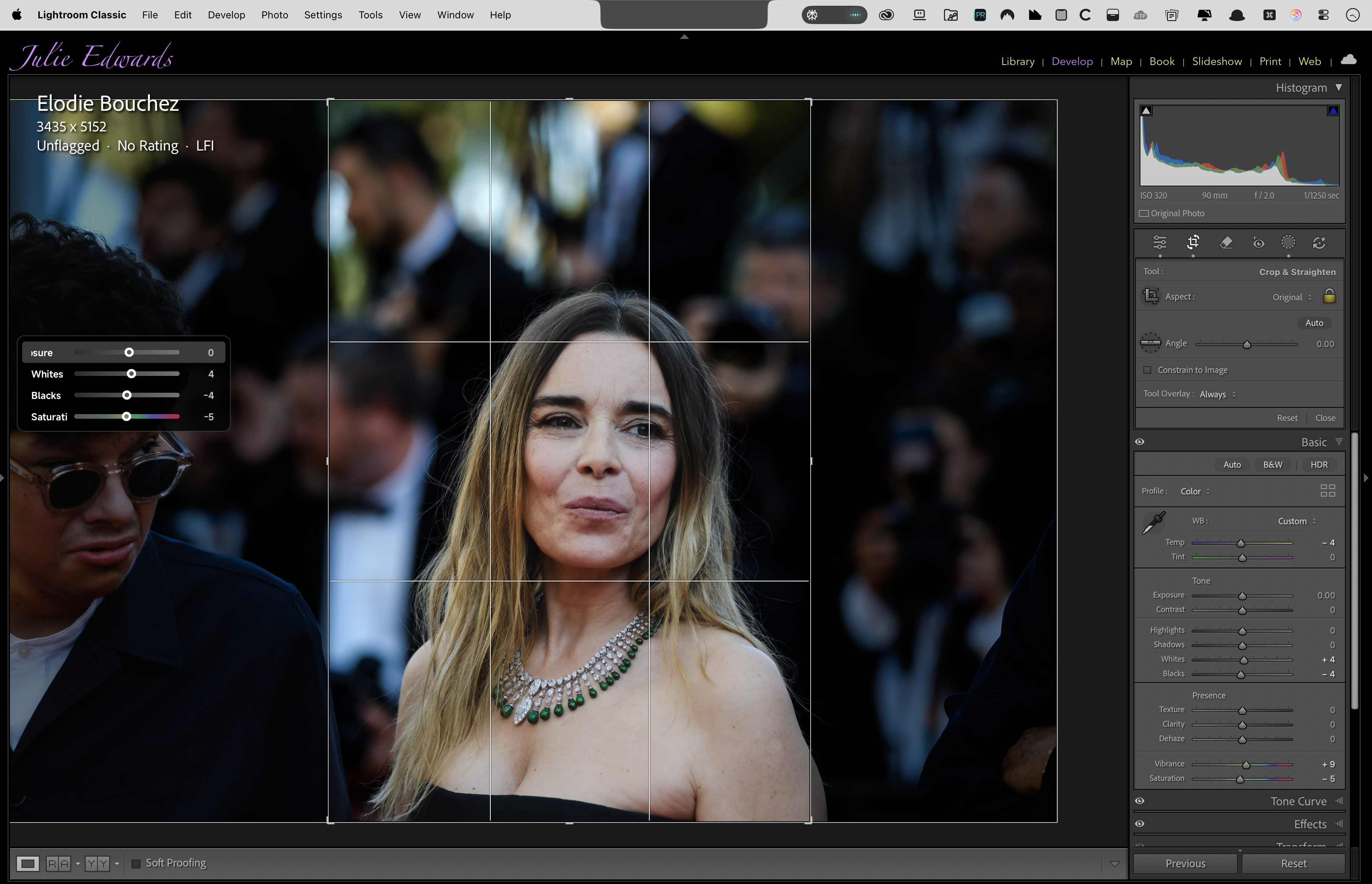
When using a mouse (with the relevant sliders) to adjust settings like Exposure, Clarity or Vignette, We are forever looking away from the image , glancing at the controls, tweaking numbers, having to make careful slider adjustments.
Switching to use the knobs on the tourbox totally changes this feel; It becomes a completely organic way of editing.
Instead of looking at the interface and guiding the mouse to the required slider, I find myself concentrating solely on the image. Looking at it, maybe glancing at the histogram but looking at how it feels.
The muscle memory of my left hand seems to adjust quite quickly. I still make mistakes and select the wrong function but that is lessening over time.
The key is, the User Interface of knobs and dials feels much more natural. I think it is down to it being a single handed operation (unlike some of the other hardware editing solutions).
In a way it is just like using a camera; Just as muscle memory adjusts to move to the correct knob to adjust to change the ISO or Exposure compensation on the camera, it adjusts to make the same changes on the left hand when editing.
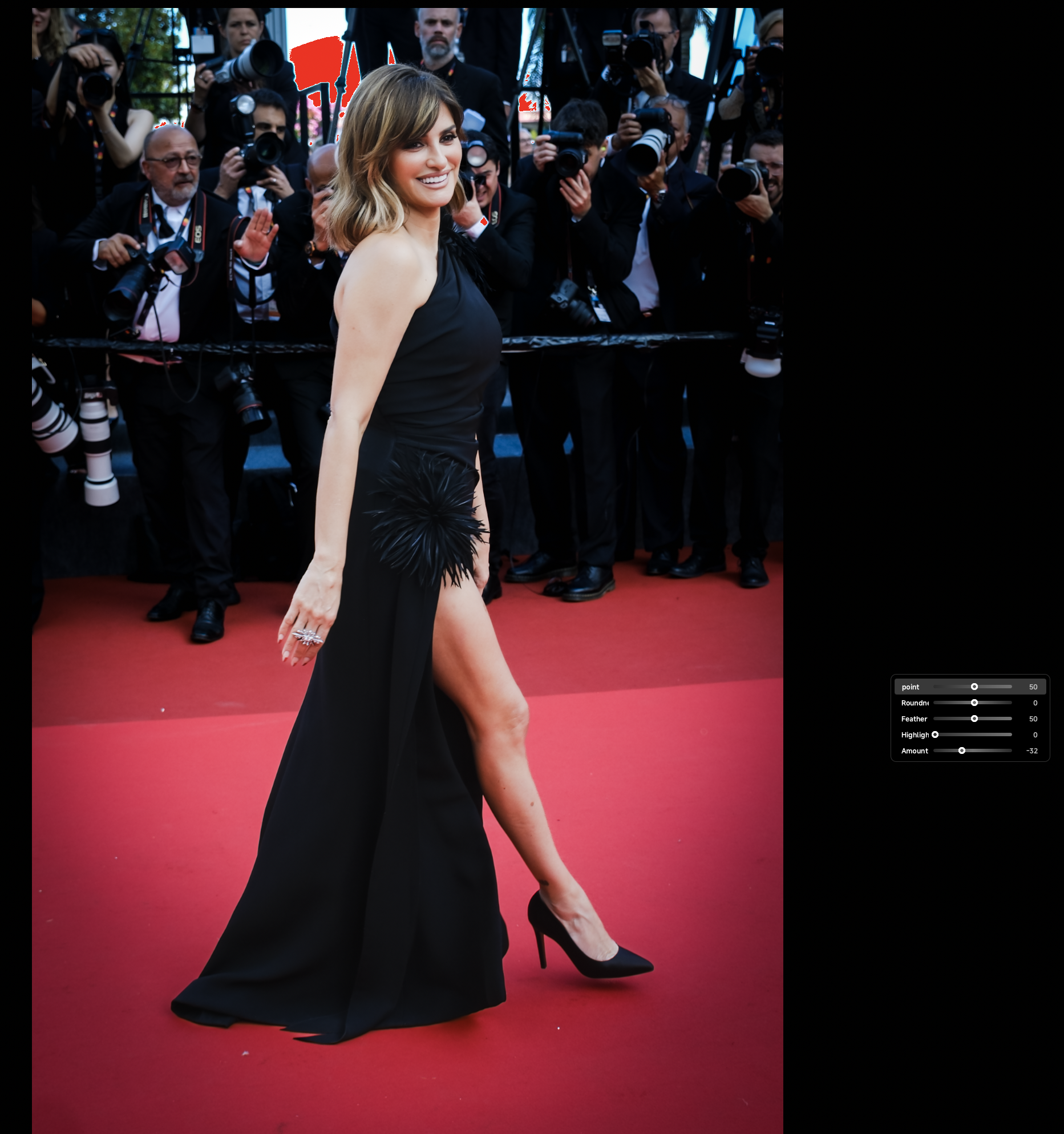
Changing the exposure or adding a Vignette just seems more natural and as a photographer (visual artist? – sic.) – I cannot give it any more praise than that.
Part 2 with the details coming your way next week.
In the meantime, let me know your thoughts.
J

