
A quick look at the platform that is included in the Adobe Photography Plan.
As I mentioned a couple of posts ago (before the photography competition / AI fiasco) I am now using the Adobe Portfolio platform for the portfolio sections of my online presence. It is a simple to use template driven site, ideal for showing your work.
This is the first post (starting a new site from scratch) of a short series where I will outline the basic setup of a site.

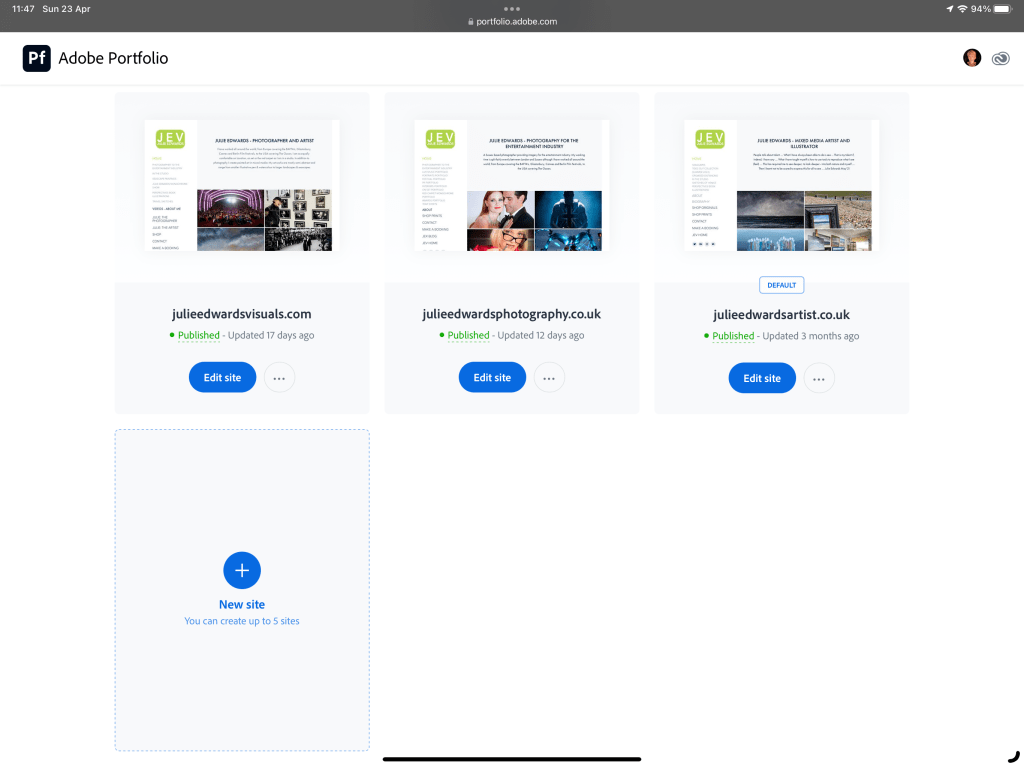
When entering the portfolio site, you are presented with your existing websites (you may have up to 5, each on a custom domain) and if you have less than that maximum, a New Site option.
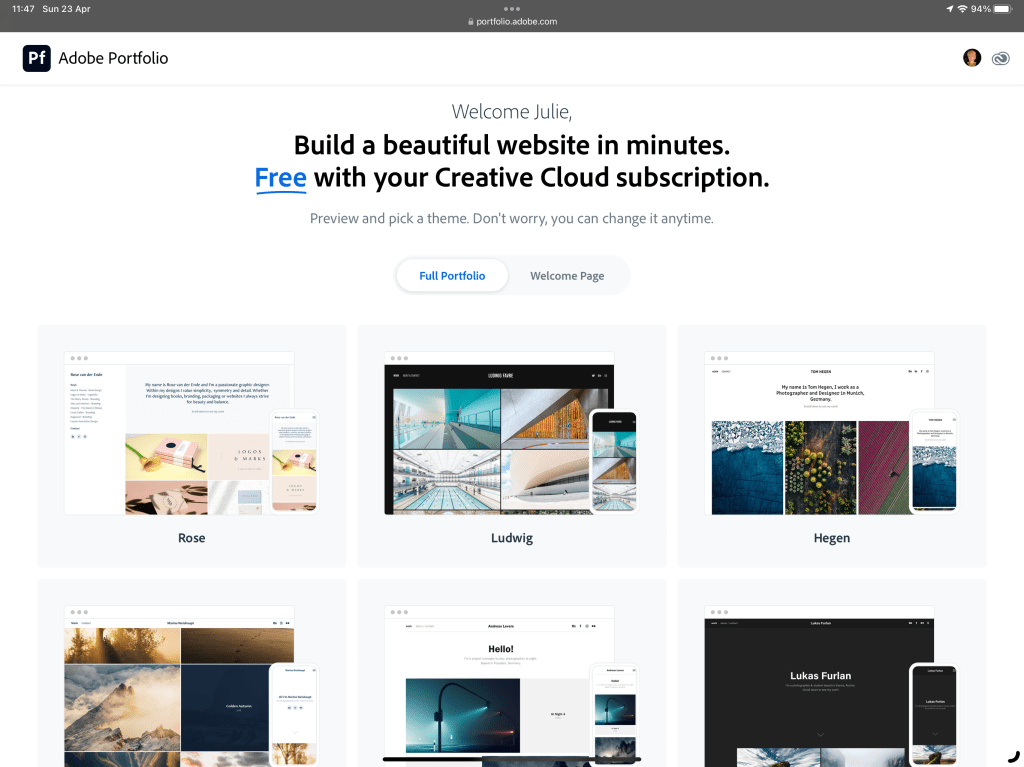
Selecting the New Site option throws up a choice of templates, with a selection of examples. The key thing to remember here is that it is easy to switch between templates at a later date and there is a fair amount of flexibility in each of the page types so, just try one..
I selected Sawdust , the example is displayed.
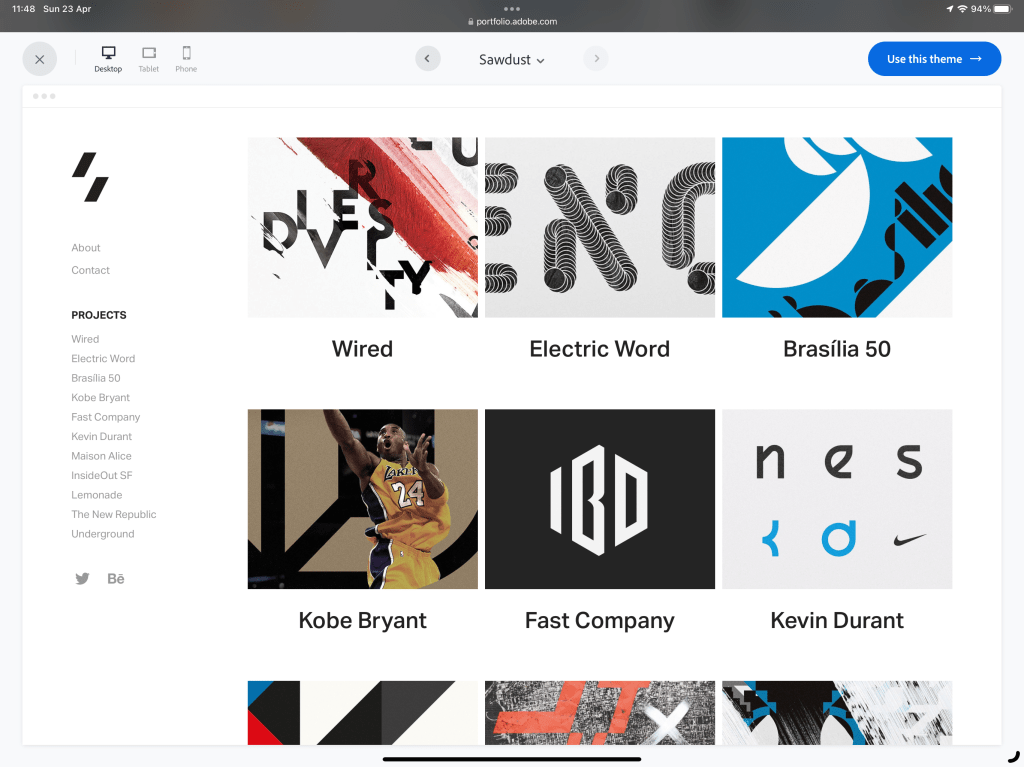
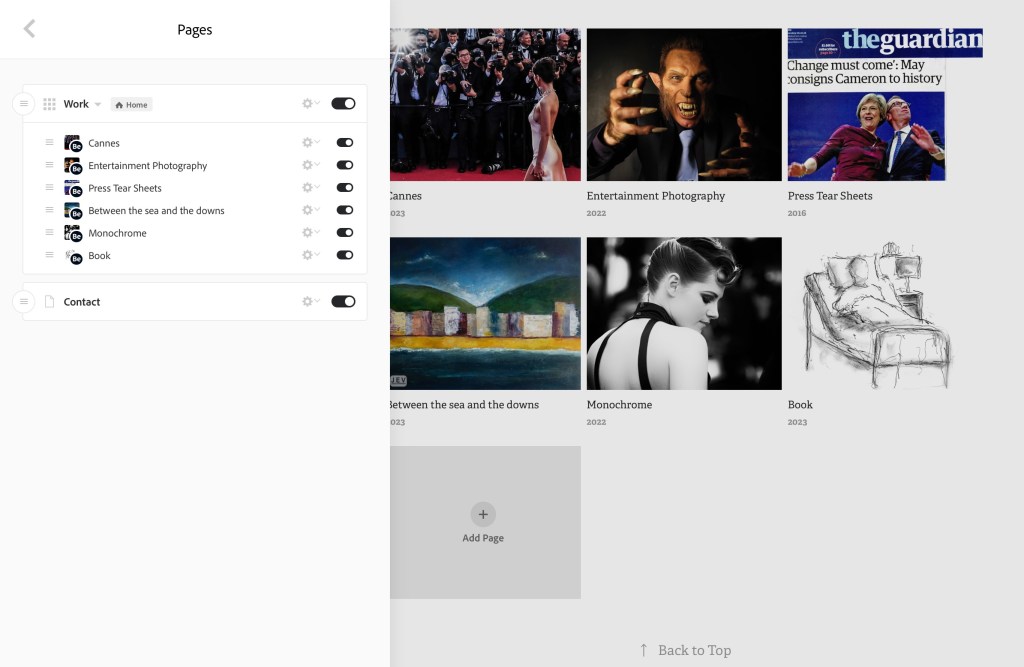
Selecting Use this theme and the site is built, already connected to my Behance Projects. (which in turn have come from my Lightroom Collections). There is an icon on the page thumbnail in the menu to indicate its source.
A quick comment on Behance ; another part of Adobe Creative Cloud. I have set up a profile and projects and the “bar” is without doubt higher on this platform compared to say Instagram etc. However I am not yet convinced by it for photography. I am finding it more useful for my illustrative & artistic work & inspiration.

On this site you can see (really bad) inconstancies with the page naming (and many other issues). These can be tidied by clicking the gear icon to the right of the page name. When renaming (Edit Page Title), be sure to press return to save the edit.

The order of the pages in the menu is reflected in the grid on the page and may be altered by dragging the handle on the left up and down.
Click on an of the images on the grid displays a menu which allows not only the cover image for that grid position to be changed from its content, but also options for the grid layout.
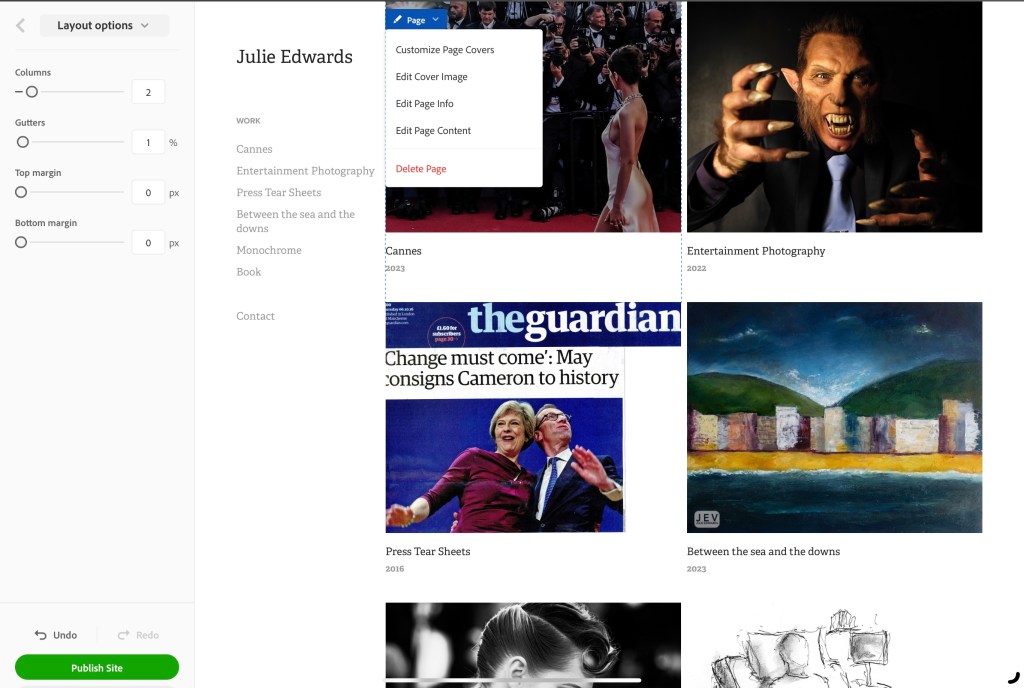
At any point the changes maybe previewed or published via the buttons in the lower left corner.
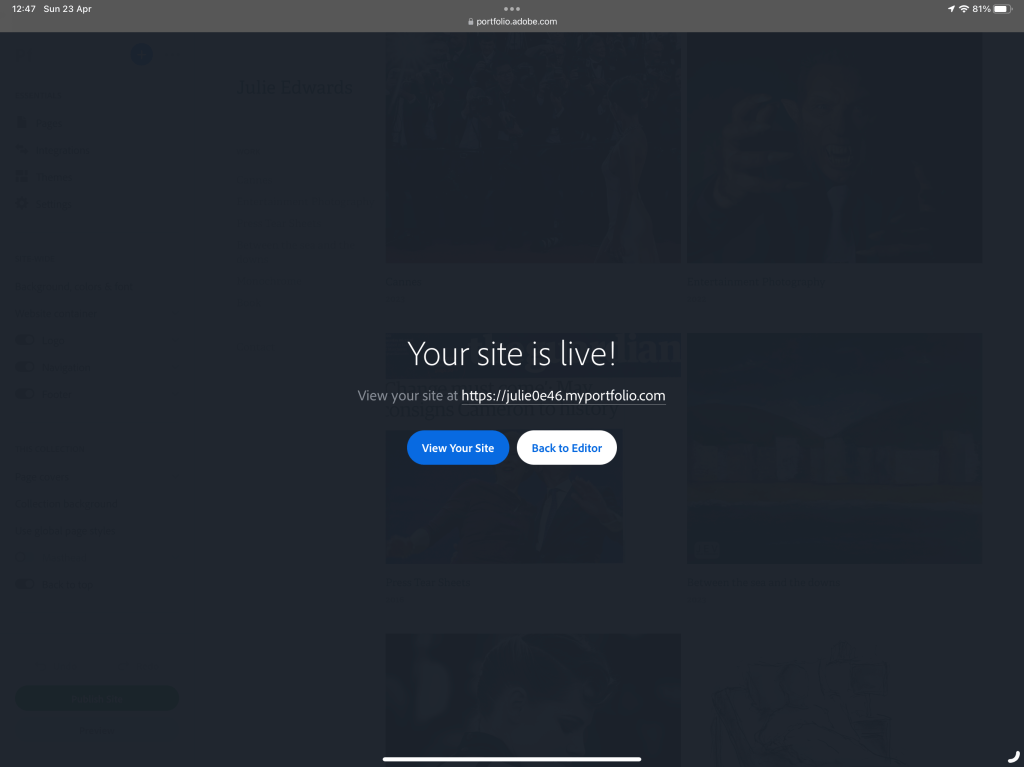
Until a custom domain is linked (more of that in a future post), the site is published to a unique portfolio site that could be passed on if you wanted anyone to view it or feedback. (Maybe an excellent client specific or genre specific option).
The site may be expanded by adding any of the many new page options which include using other collections from Lightroom / Behance, or blank pages and of course external links.
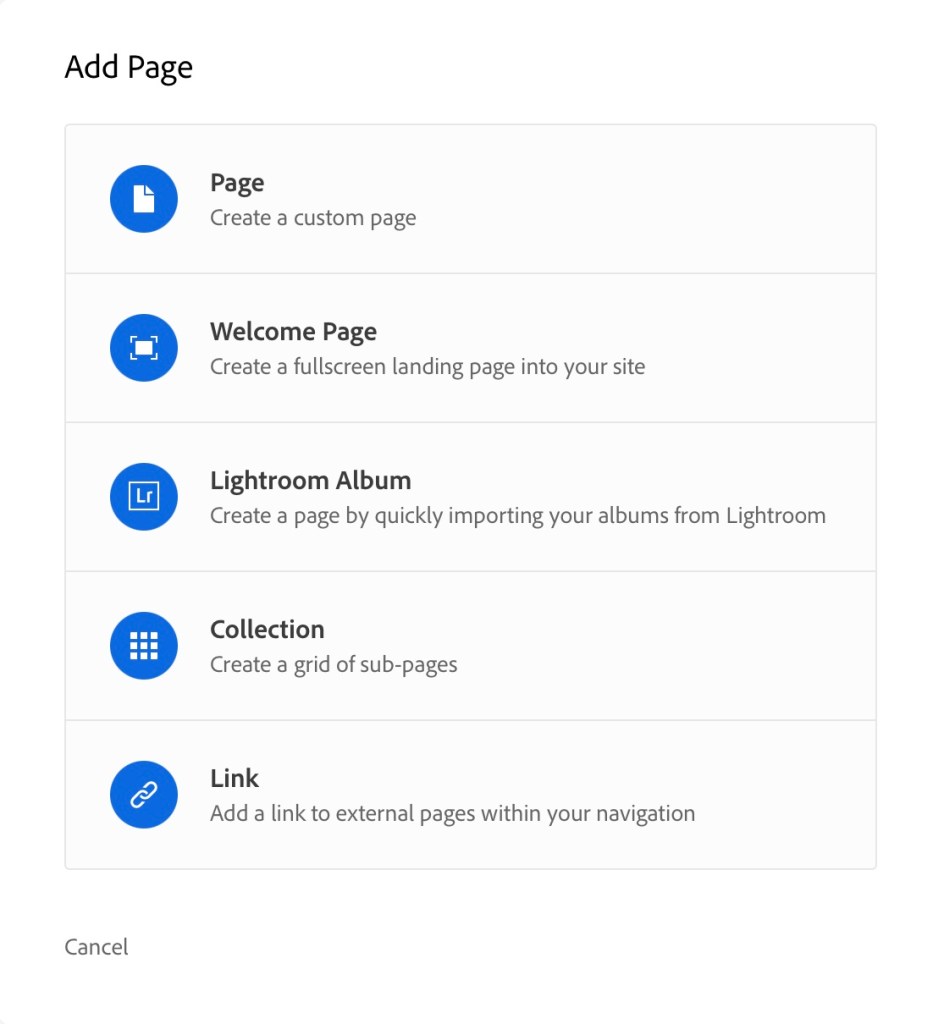
I will go into these options in the next post.
If you have any specific options about building a site on this platform, let me know and I will try to build my answers into forthcoming posts.
 Julie Edwards-X
Excellent ! Thank you so much, I started a Portfolio site but didn’t find it easy – this is helpful
LikeLike
There will be more to follow taking it all the way through to finished site
LikeLike
Hi Julie,
Will this now be your main/only site. How good do you think the SEO will be? I subscribe to the cloud so I’ll have a look. I know I’ve got a very old inactive Behance so I’ll check on that as well. Cheers Gavin.
LikeLike
My 3 main sites:
julieedwardsphotography.co.uk
https://julieedwardsvisuals.com
https://julieedwardsartist.co.uk
are all portfolio sites now.
See the post a couple ago: https://julieedwards-x.blog/2023/04/11/updating-my-websites/ which I thought made that point clear?
LikeLike